Vancouver (360) 828-0564
Portland (503) 544-3227
Thankful for you, Vancouver and Portland
Merry Christmas from Fixoid
We Come to You. Book an Onsite →
> CONSOLE REPAIR // FIXOID

Game Console Repair.
PlayStation, Xbox,
Switch & More.

PlayStation, Xbox, Nintendo Switch, Steam Deck — if it's a console, we fix it. HDMI ports, overheating, disc drives, liquid damage, and more. Walk in, no appointment needed.

PlayStation
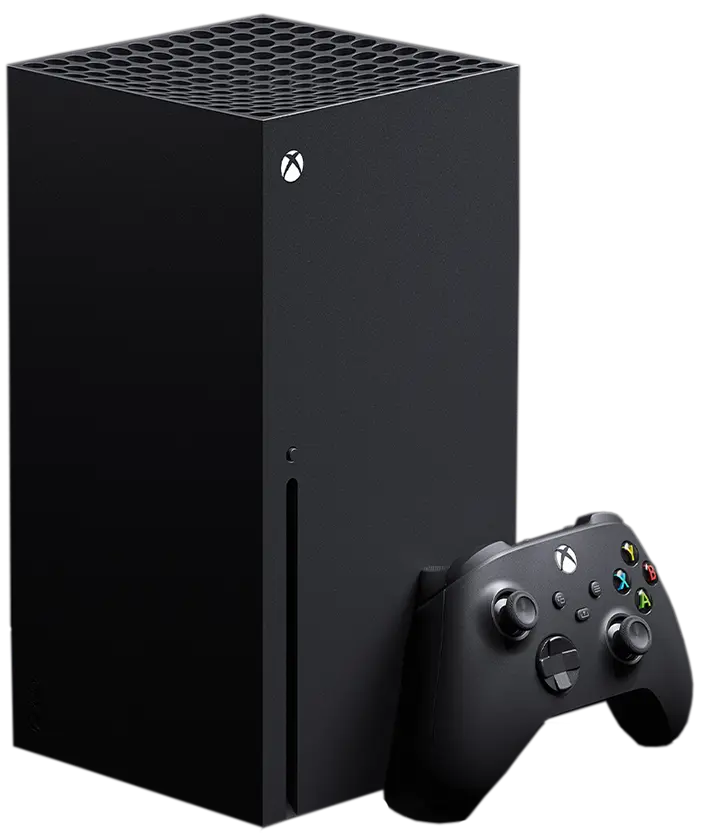
Xbox
Nintendo Switch
Steam Deck
> Consoles we work on

Pick your console.

Every major platform, from the newest PS5 to the Wii in your closet.

Older game consoles
Legacy consoles

Still playing the classics?

PS3, Xbox 360, Wii, GameCube, N64 and more. Older consoles are usually repairable, so bring it in.

Game controllers
Controllers

Stick drift? Dead buttons?

DualSense, DualShock 4, Xbox controllers and Joy-Con. Every platform, same as the consoles.

> What we fix

Whatever broke, we've fixed it.

These are the console repairs we do most, on every platform.

HDMI port repair
01 // Display

HDMI port repair

No signal, bent pins, a loose port. One of the most common console repairs we do, and one of the most mishandled. We do it right.

PS4PS5Xbox OneXbox Series
Won't turn on
02 // Power

Won't turn on

Dead console, blinking lights, no power at all. It could be the power supply, a blown fuse or the board. We track down which one.

PS4PS5XboxSwitchSteam Deck
Overheating & loud fan
03 // Thermal

Overheating & loud fan

Shuts off mid-game, sounds like a jet engine, runs hot. Dried thermal paste and clogged heatsinks are the usual cause. We clean it out and bring temps back down.

PS4PS5Xbox OneXbox Series
Disc drive not reading
04 // Disc drive

Disc drive not reading

Won't take discs, spits them out or won't read them. Some need a new drive, some just need the laser cleaned. We'll tell you which.

PS4PS5Xbox OneSeries X
Water & liquid damage
05 // Liquid

Water & liquid damage

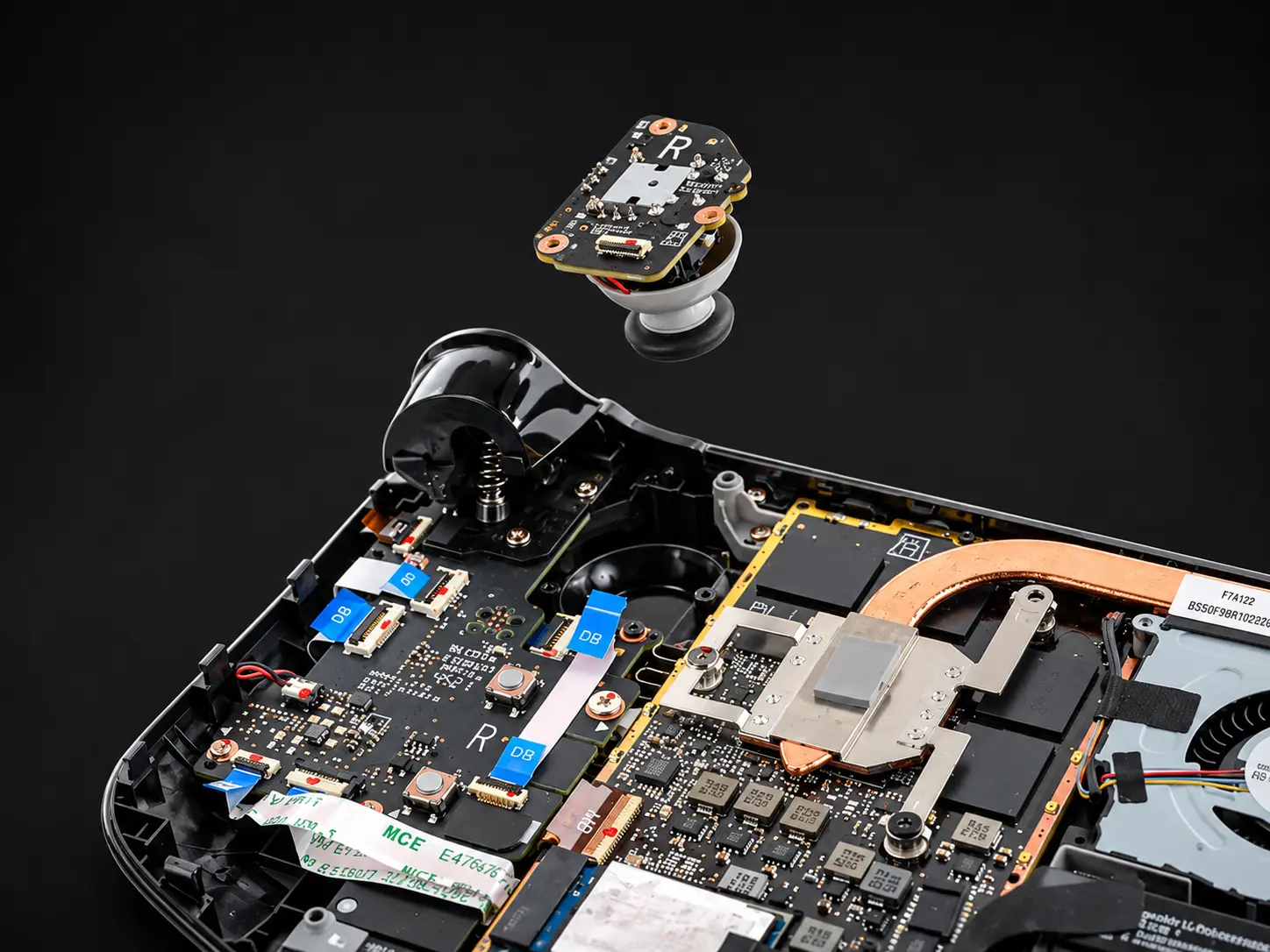
Spilled on it, got wet, hasn't powered on since. We clean the board, find what failed and fix it, instead of drying it out and hoping.
Any consoleControllers
Controller & stick drift
06 // Controllers

Controller & stick drift

Stick drift, sticky buttons, broken triggers, dead charging ports. Bring the whole setup if everything's acting up.

DualSenseDualShock 4XboxJoy-Con
Won't charge
07 // Charging

Won't charge

A damaged port, a failed charging chip or a worn connection. Especially common on Switch and Steam Deck.

SwitchSwitch OLEDSteam DeckDualSense
Cracked or dead screen
08 // Screen

Cracked or dead screen

Cracked glass, dead pixels, no picture. Screen replacements for every Switch model and the Steam Deck.

SwitchSwitch OLEDSwitch LiteSteam Deck

Don't see your problem?

Bring it in anyway. If it plugs into a TV or fits in your hands, we've probably fixed it.

> Console cleaning

What a console cleaning looks like.

Shutting off mid-game or louder than it used to be? This is the fix, start to finish.

  1. Xbox Series X opened up on the benchStep 01

    Open it up

    Shell off, internals out, every screw and clip kept track of.

  2. Console heatsink and fan taken apartStep 02

    Strip it down

    Fan, heatsink and shielding come apart so we reach the dust a can of air never touches.

  3. Old thermal paste being cleaned off a PS5 processorStep 03

    Clean the chip

    The old, dried paste comes off the processor and the heatsink, down to bare metal.

  4. Fresh thermal paste going on a console processorStep 04

    Repaste and test

    Fresh thermal paste, back together, then we run it to make sure the temps came down.

Controller repair
> Controllers

Don't buy a new controller just yet.

  1. 01

    Stick drift

    Your character walks on its own. We replace the worn thumbstick so it stays put.

  2. 02

    Buttons & triggers

    Sticky, mushy or dead buttons, broken triggers and bumpers that don't click.

  3. 03

    Charging & pairing

    Won't charge, won't pair or keeps dropping its connection mid-game.

  4. 04

    Joy-Con

    Drift, loose rails and Joy-Con that won't stay connected to the Switch.

Controller acting up?

Tell us what it's doing and we'll take it from there.

Start a Repair →

Common questions.

Usually worth repairing. Most common console repairs — HDMI ports, overheating, disc drives — cost a fraction of a new console. We'll tell you the repair cost upfront and be honest if it doesn't make financial sense.
Yes — PS5 HDMI port replacement is one of the most common repairs we do. It's a board-level job that requires microsoldering, which most shops can't do. We can. Visit our dedicated PlayStation repair page for more details.
Yes — Joy-Con drift is usually a worn thumbstick module. We replace the module entirely rather than cleaning it, which is a more reliable fix. We also work on analog stick drift on PS5 DualSense and Xbox controllers.
Most common repairs — HDMI ports, overheating, screen replacements — are done same day or next day. More complex board-level work can take 2–5 days. We'll give you an honest timeline when we diagnose it.
Yes — controller sync issues are often a faulty Bluetooth module or a damaged charging port causing connection drops. If resyncing doesn't fix it, bring it in and we'll diagnose whether it's a hardware fault or a board-level issue.
Yes — we work on older and legacy consoles. PS3, Xbox 360, Wii, GameCube, even older handhelds. Bring it in and we'll take a look. If it's repairable, we'll fix it.
Honestly, it's rarely a question of whether we can. It's usually whether it's worth it. Some repairs cost more than the device is worth, and we'll tell you that straight rather than take your money. With a console that won't power on, getting to the fault is the work itself, so we tell you what that involves before we go further. If the repair doesn't make sense, we'll tell you that too.
No appointment needed — walk in any day we're open and we'll take a look. You can also start a repair request online if you'd prefer.

Ready to get it fixed?

Walk in or start a repair online.

Start a Repair →