
or completely fried.
you depend on.
Galaxy Tab Repair.
Screen, Battery & More.
Galaxy Tab S, Tab A, Tab Active and older models — screen replacements, batteries, charging ports, S Pen and more. Walk in, no appointment needed.
Common Samsung Tab repairs.
Screen Replacement
Cracked glass, dead pixels, green line, touch not responding. Galaxy Tab S AMOLED screens are premium panels that need the right parts and care — we take the time to do it right on every model.
Battery Replacement
Drains fast, won't hold a charge, shuts off unexpectedly, swollen battery. Galaxy Tab batteries are larger than phone batteries but degrade the same way — a replacement brings your Tab back to full performance.
Charging Port Repair
Won't charge, loose USB-C connection, only charges at a certain angle. The charging port takes daily abuse — we replace it properly so your Galaxy Tab charges reliably again.
S Pen Repair
S Pen not pairing, not responding, or physically damaged. The S Pen is central to the Galaxy Tab experience — we diagnose connection and pairing issues before recommending a fix.
Camera Repair
Blurry photos, cracked camera lens, camera not opening, black viewfinder. Galaxy Tab cameras are used heavily for video calls and scanning — we diagnose before replacing anything.
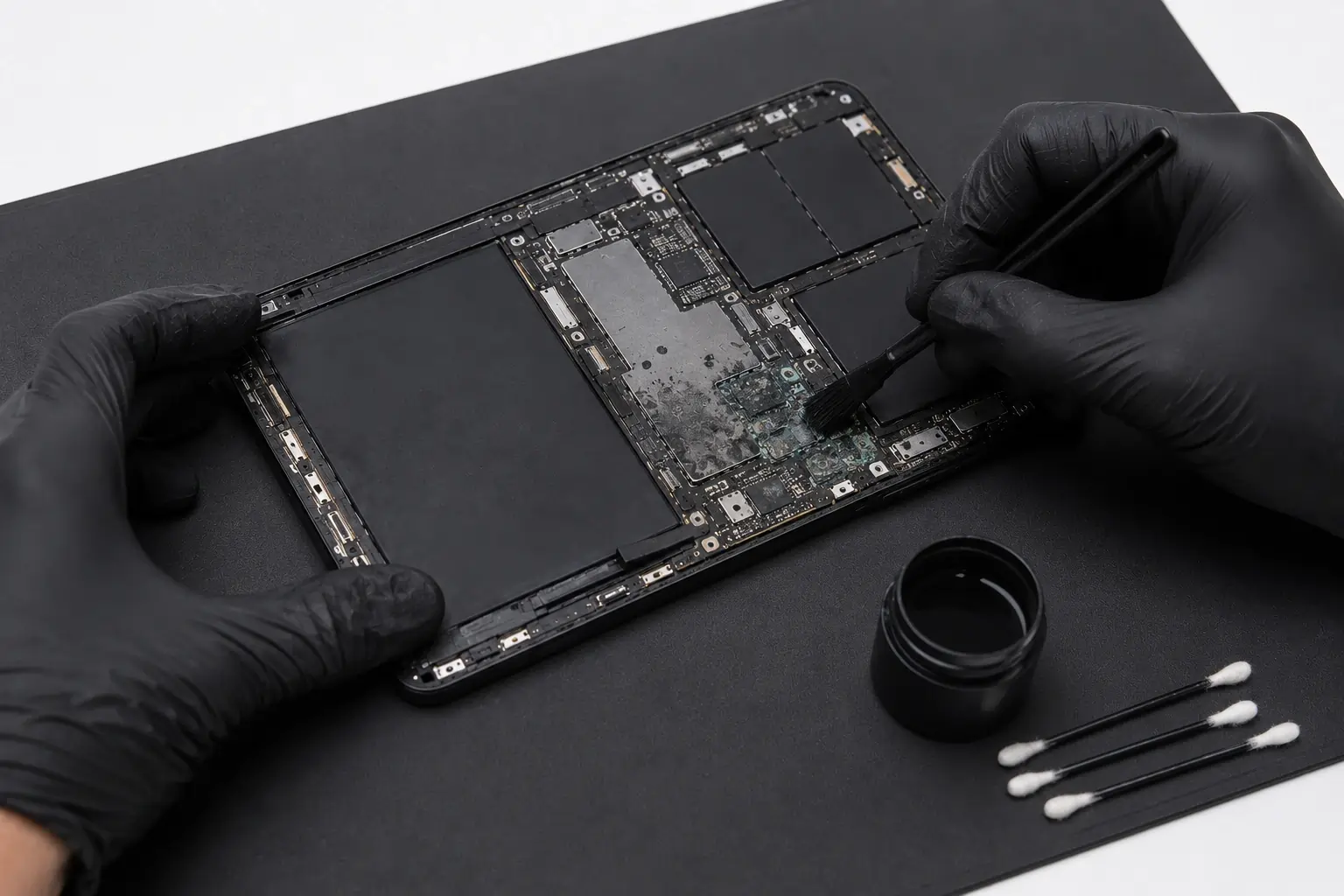
Water & Liquid Damage
Don't turn it on — bring it in immediately. Even IP68-rated Galaxy Tabs fail after repeated exposure. We clean the board at the component level before anything corrodes further.
Fingerprint Sensor Repair
In-display fingerprint not working, slow to respond, or failing after a screen replacement. We diagnose whether it's a hardware fault or a screen compatibility issue before recommending anything.
Microsoldering & Board Repair
Won't turn on, No Service, won't charge even with a new port. We do the board-level Samsung Tab repair work most shops won't attempt — component-level diagnosis before touching anything.
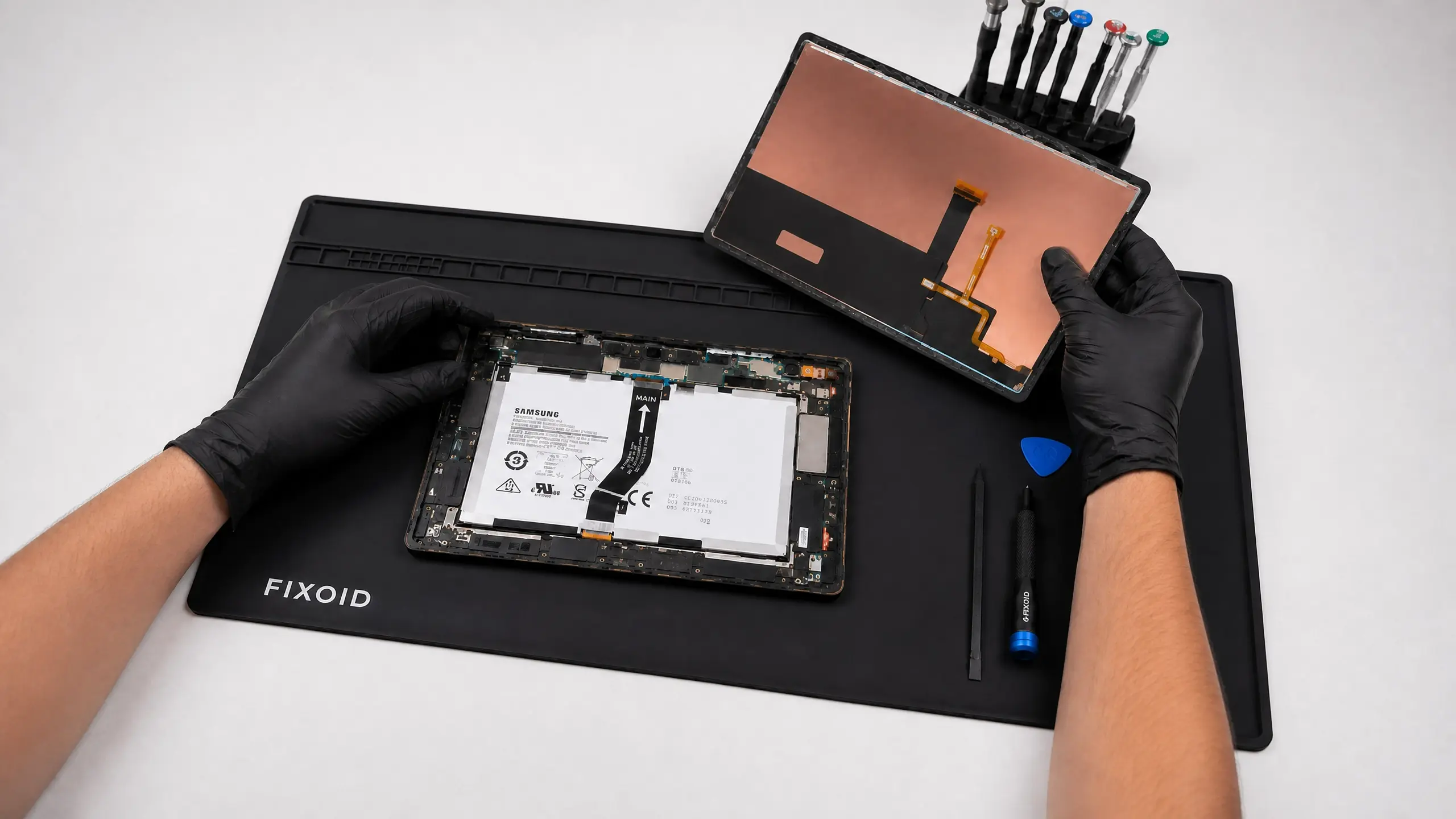
Galaxy Tab Screen Replacement
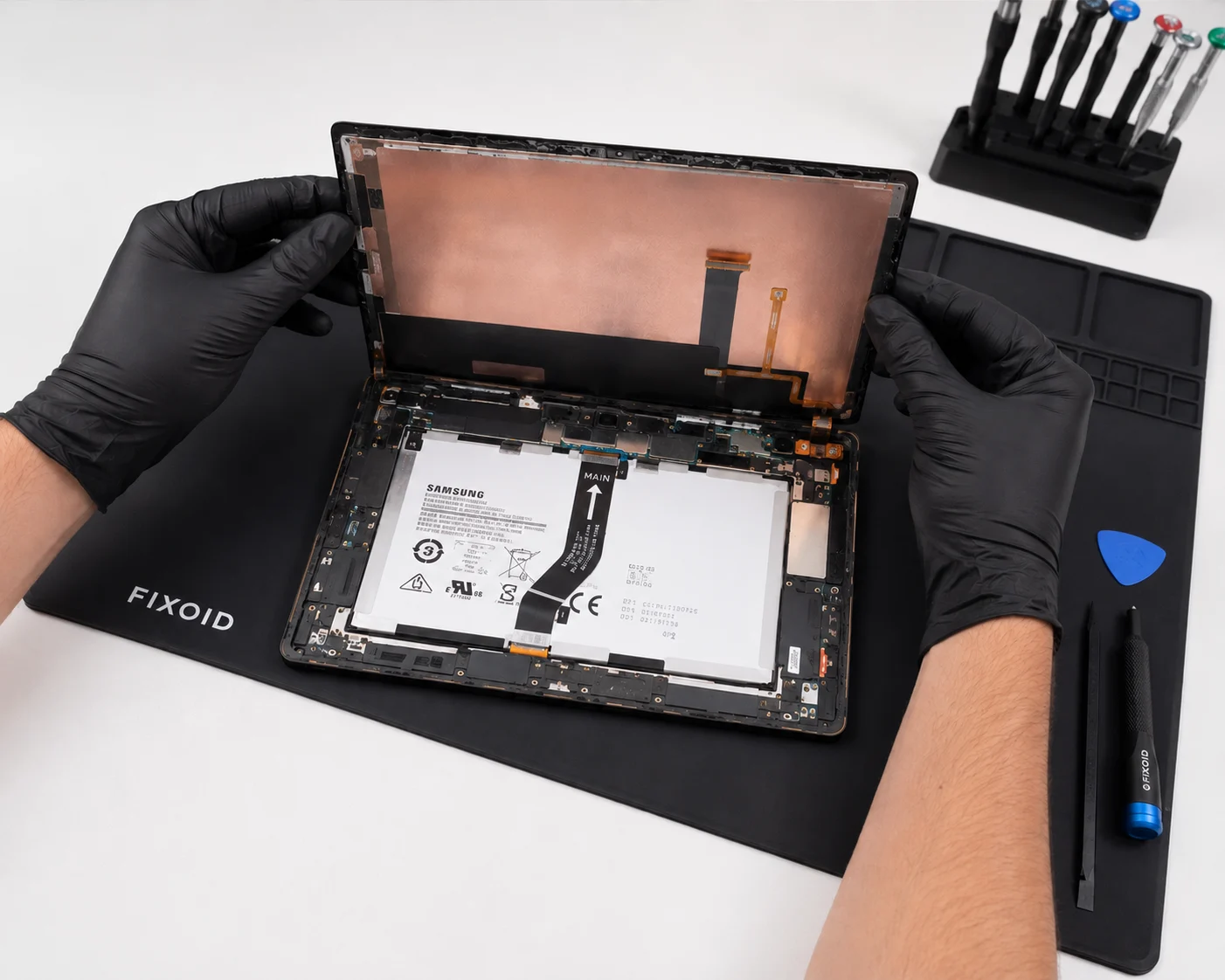
A cracked Galaxy Tab screen is the repair we see most. The large AMOLED display on Tab S models is premium — and getting the replacement right matters. The in-display fingerprint sensor is also tied to screen quality, so the parts and installation have to be spot on.
Battery & Charging Port Repair
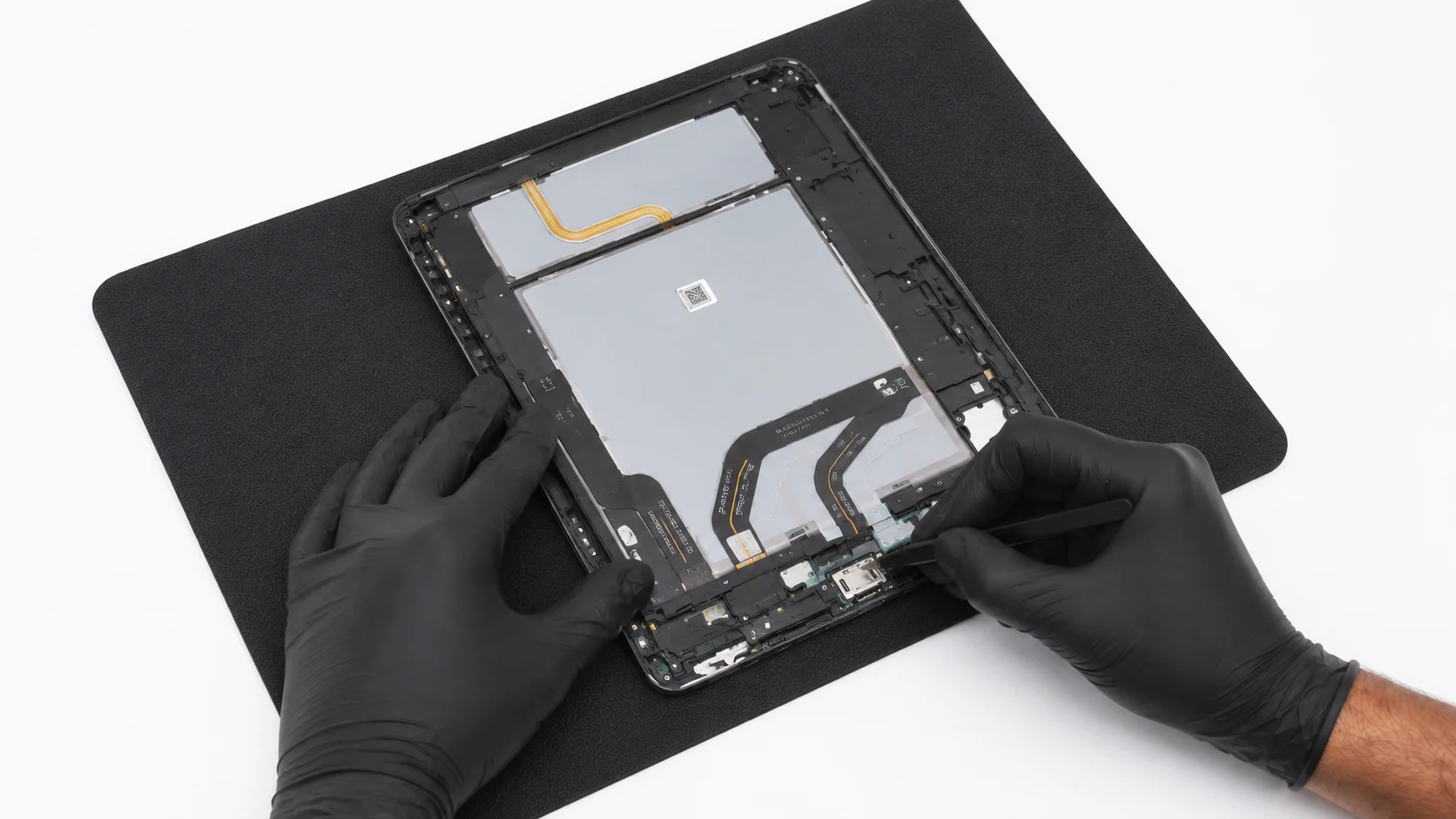
Galaxy Tab batteries are large but degrade over time — draining faster, shutting off unexpectedly, or swelling under the back housing. A replacement is one of the best value repairs you can do. Charging port issues are often deeper than they look — we diagnose first.
Water & Liquid Damage Repair
Galaxy Tabs get wet — dropped in water, spilled on, caught in the rain. Even IP68-rated Tab S models fail after repeated or deep exposure. Don't turn it on and don't put it in rice. Bring it in as soon as possible so we can clean the board at the component level before corrosion spreads.
Every Samsung Tab we work on.
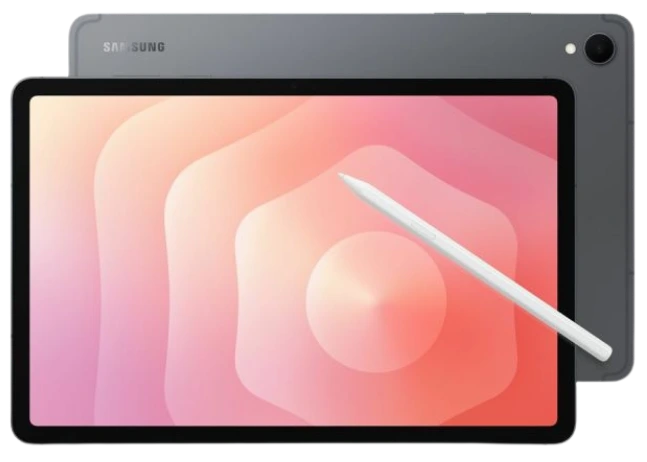
Galaxy Tab S Series
Flagship and mid-range. Tab S11 through Tab S6 — including Ultra, Plus, FE, FE+, and Lite variants. AMOLED displays, S Pen support.
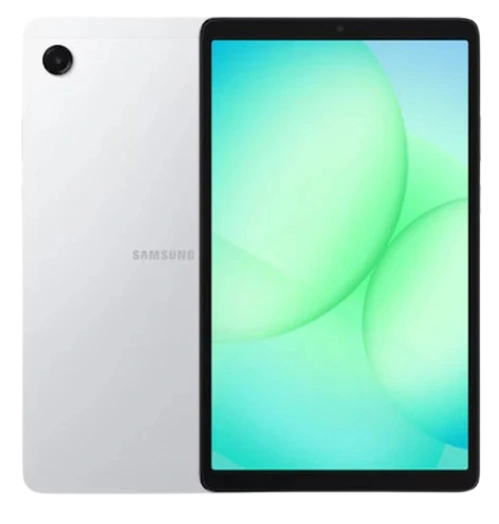
Galaxy Tab A Series
Budget and entry-level. Tab A9, A9+, A8, A7, A7 Lite and older A series models. LCD displays, everyday use.
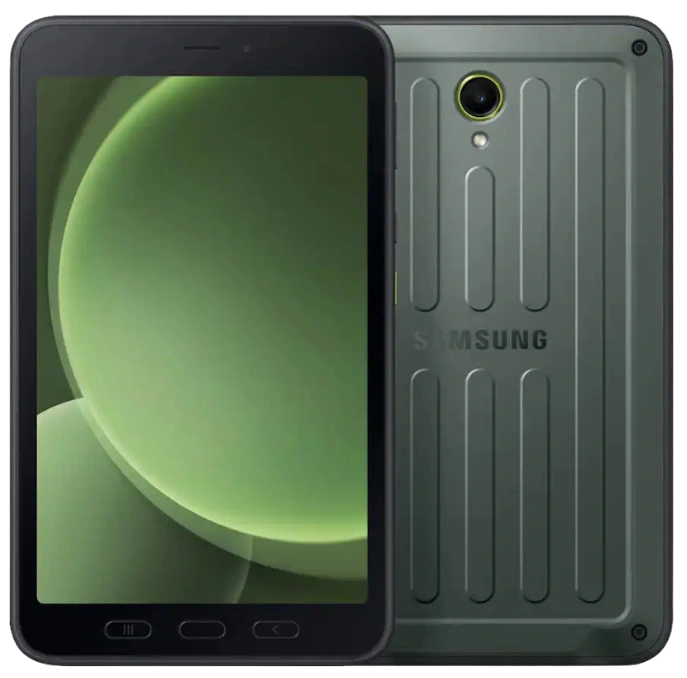
Galaxy Tab Active
Rugged tablets built for field use. Tab Active 5 Pro through Active 2 — drop-resistant, IP68 rated, removable battery on older models.
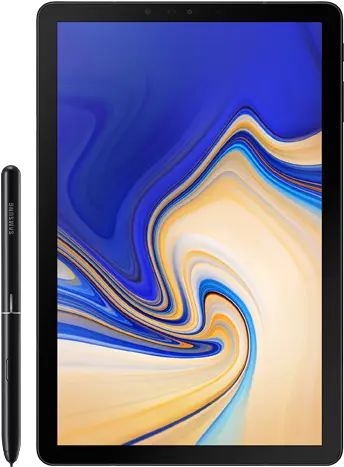
Older Models
Galaxy Tab S5e, S4, S3, S2 and earlier. Tab A 10.1, Tab E and other legacy models. We work on them if parts are available.
Don't see your model? Bring it in — if it's a Galaxy Tab, we've probably worked on it.
Most repairs done
the same day.
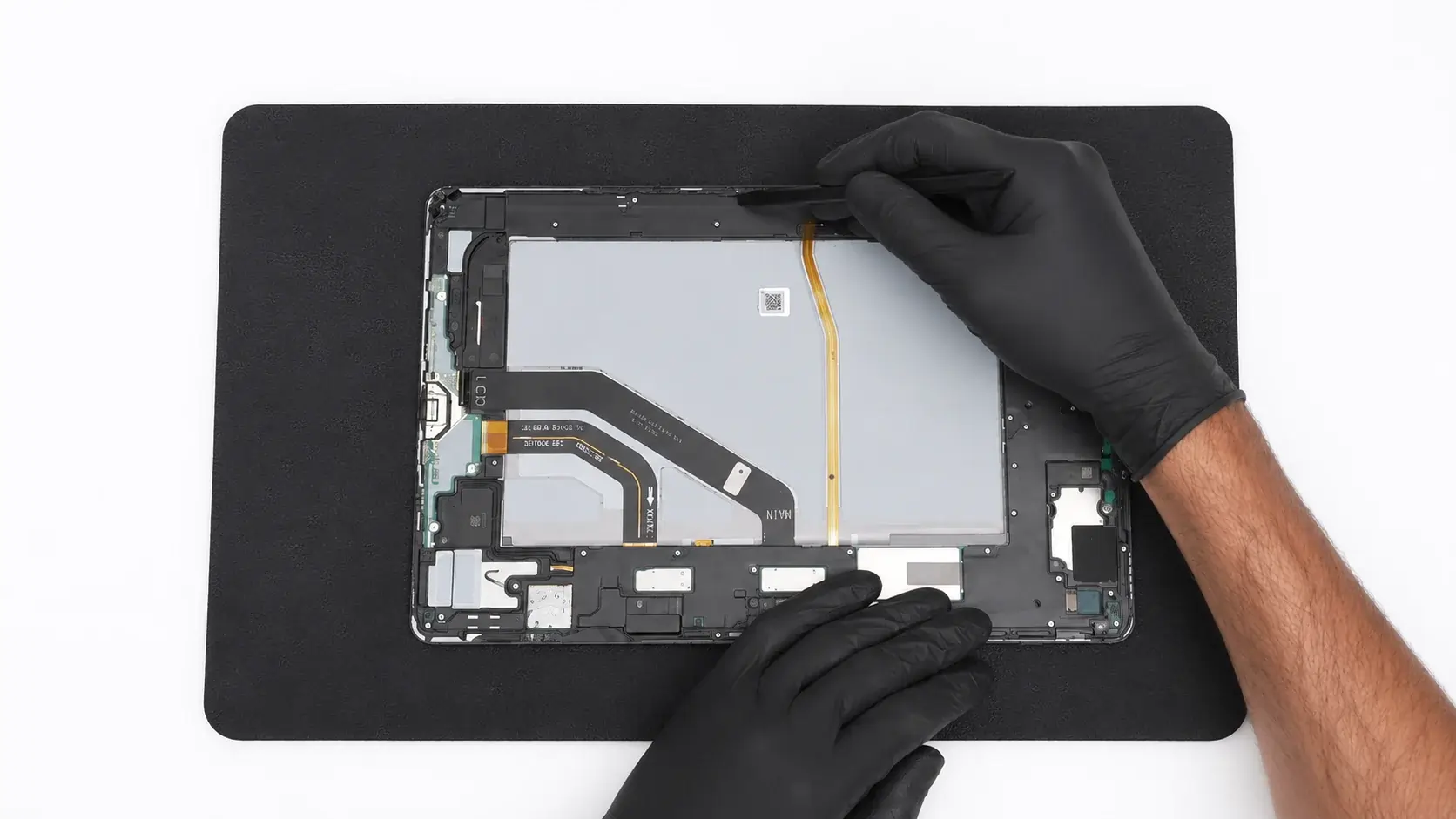
Most Galaxy Tab repairs are diagnosed and completed the same day you bring them in. Screen and battery repairs take a bit longer than phones since Tabs use adhesive, but we move quickly and keep you updated.
Water damage and board-level work take longer because we diagnose thoroughly before touching anything. We'll always give you a realistic timeline before we start.
Common questions.
Ready to get your Galaxy Tab fixed?
Walk in or start a repair online.