Cracked, dead,
or completely fried.
or completely fried.
Most phone repairs done same-day. No appointment needed.


We fix the tech
you depend on.
you depend on.
Computers, tablets, consoles and more. Expert techs, honest pricing.
Vancouver's Steam Deck repair shop on NE 117th Ave, right next to Verizon. Stick drift, screens, batteries, charging ports and fans on Steam Deck LCD and OLED. Walk in, no appointment needed.
Camera drifting on its own, a stick that won't center, your character walking when you're not touching it. Our Vancouver shop replaces the thumbstick module and recalibrates it in SteamOS.
Cracked glass, lines across the screen, dead spots or touch that stopped working. We replace LCD and OLED displays at our NE 117th Ave shop and test touch, color and brightness before you pick it up.
Won't charge, only charges at an angle, loose USB-C port. The port takes a beating from docks and cables. We replace it so it charges and docks reliably again.
Drains in an hour, dies at 20%, or the back is starting to bulge. A new battery gets you back to full play time without buying a new Deck.
Grinding or rattling fan, fan running loud all the time, games stuttering from heat. We clean or replace the fan and redo the thermal paste so it runs cool and quiet.
Sticky or dead buttons, triggers that don't register, trackpads that stopped clicking. We replace the worn part so every input works the way it should.
Black screen, no boot, stuck on the Steam logo. It could be the battery, the charging circuit or the board. We find the cause before we replace anything.
Spilled a drink on it or it got caught in the rain. Turn it off and don't charge it. Bring it in so we can open it up and clean the board before it corrodes.
A dropped Deck usually lands on the screen. The LCD and OLED models use different displays, so our Vancouver NE 117th Ave shop fits the right one for your model and tests it fully before it goes back to you.
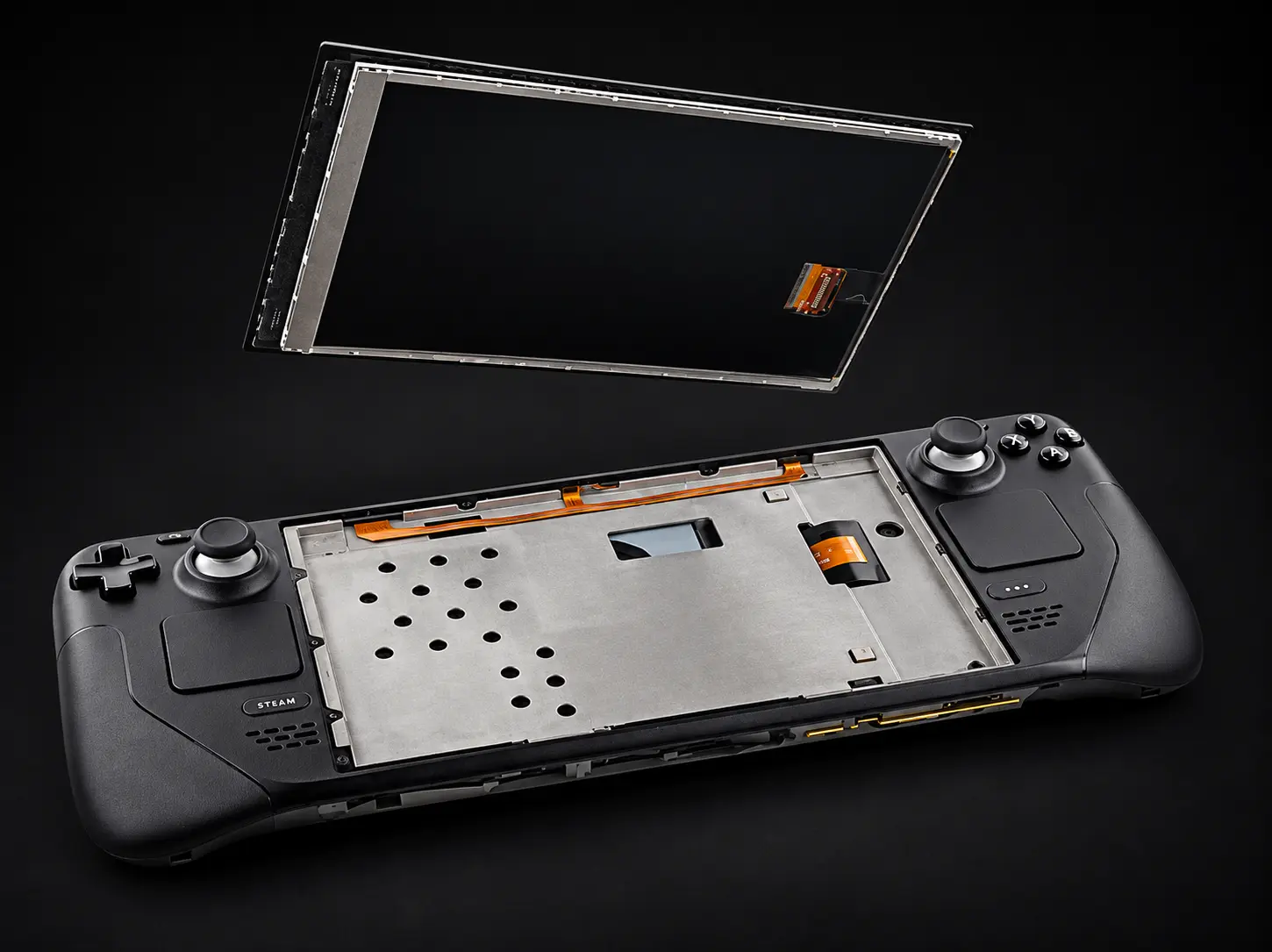
If your Deck won't charge, charges slowly or dies way too fast, it's usually the USB-C port or a worn battery. Bring it to our Vancouver shop and we'll test both, tell you which one it is, and only replace what's actually bad.
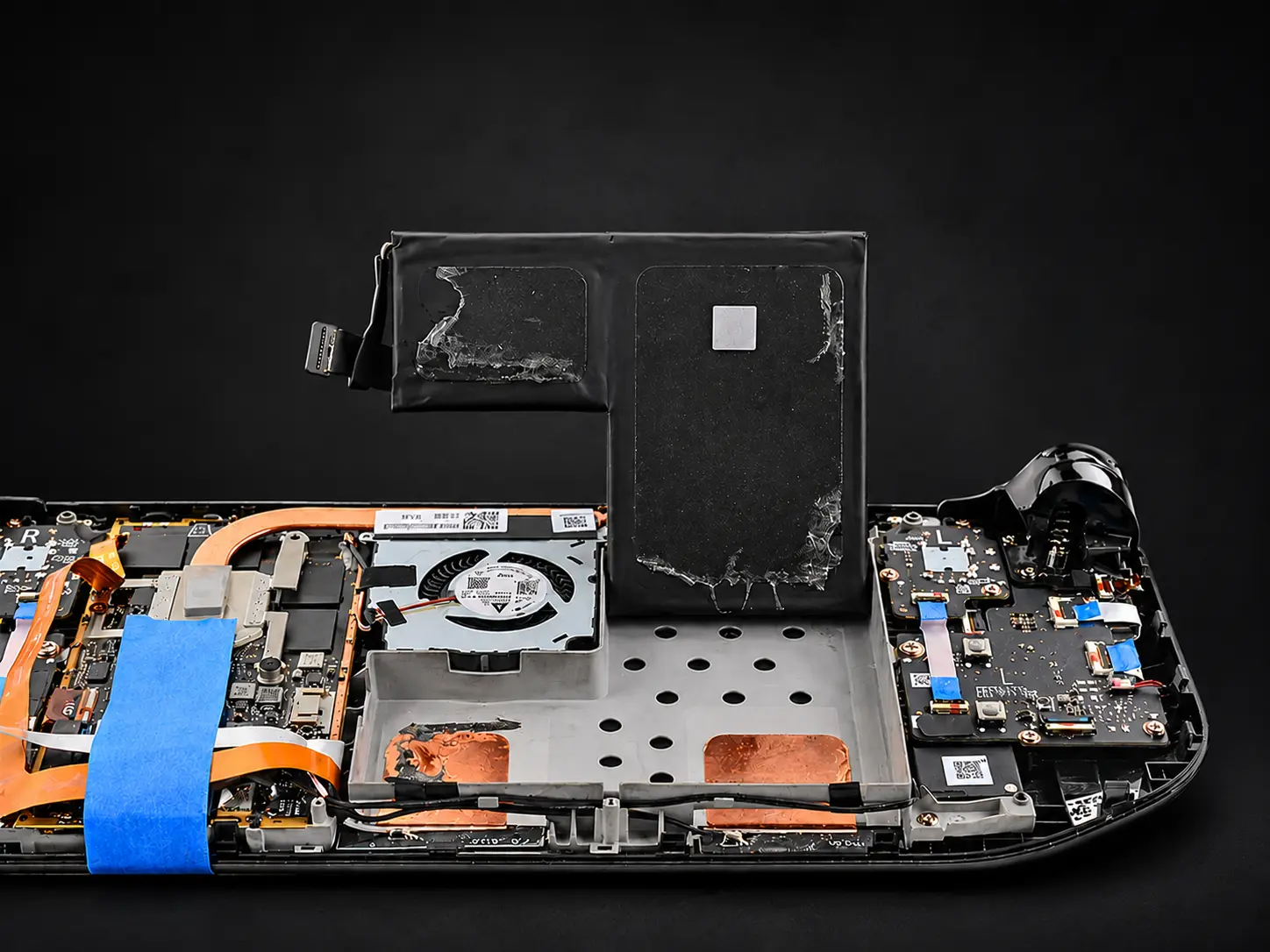
A Steam Deck works hard, and the fan shows it. Dust and worn bearings make it loud, and dried-out thermal paste makes it hot. Our Vancouver NE 117th Ave shop cleans it, fits a new fan if it needs one and puts on fresh paste so it runs like new.
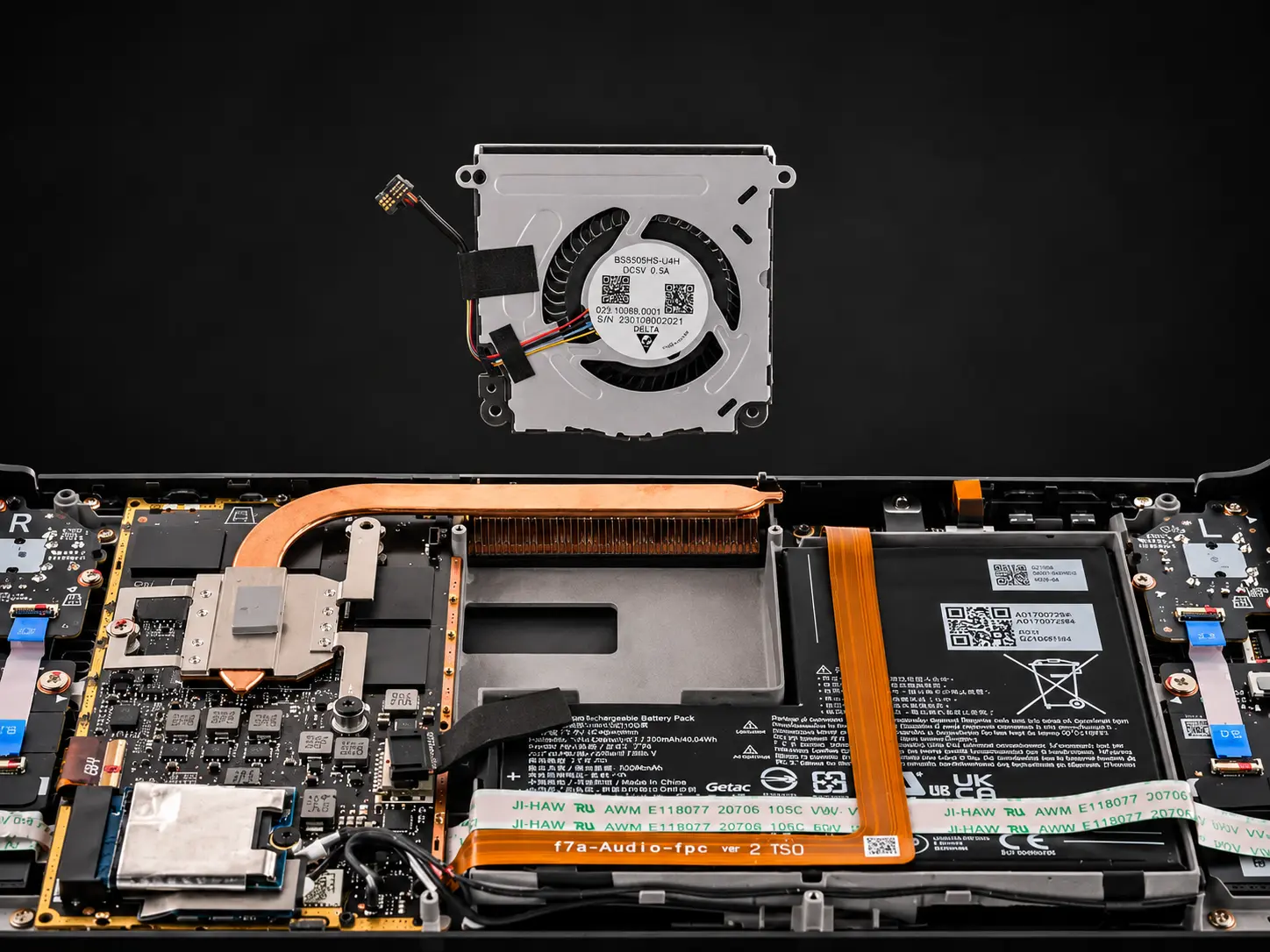
Stick drift happens to almost every Steam Deck eventually, and it's the repair we see most at our Vancouver shop. The thumbstick modules wear out with use, and recalibrating only helps for so long. Replacing the module fixes it for good.
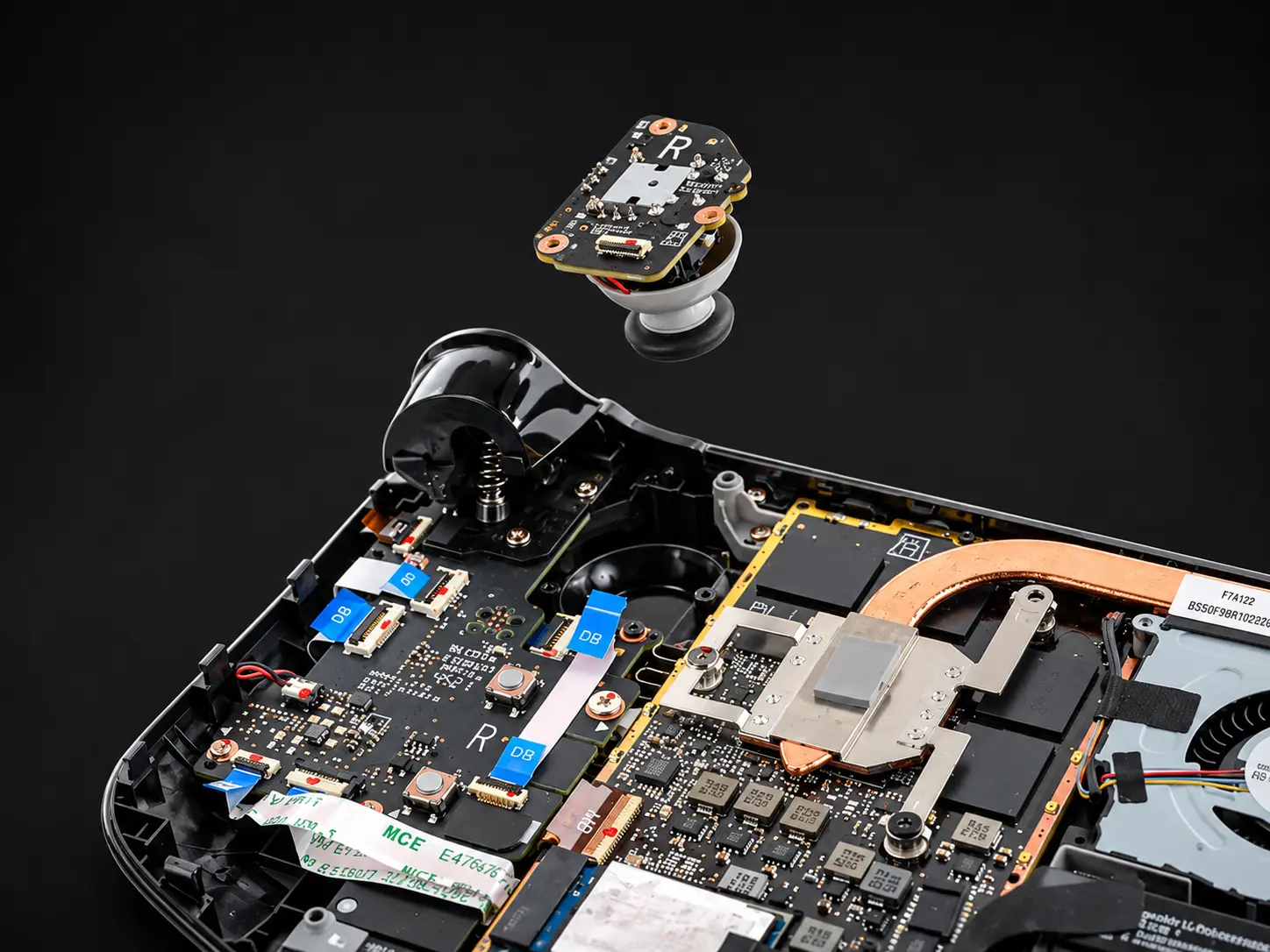
Walk into our NE 117th Ave shop with a drifting stick, a dying battery or a loud fan and you'll usually walk out with it fixed. If it's going to take longer, we'll tell you when you drop it off.
Screens and board-level work take a bit more time, and liquid damage depends on what we find once it's open. We'd rather take the time and get it right.
Stick drift, OLED screen replacement, charging port, battery, fan and thermal service, buttons, liquid damage.
Stick drift, LCD screen replacement, charging port, battery, fan and thermal service, buttons, liquid damage.
Dock not charging your Deck or not sending video to the TV. We test the dock and the Deck separately to find which one is the problem.
Walk in at 6300 NE 117th Ave or start a repair online.