




Losing files is one of the worst feelings in tech. Years of photos, school work, business records, gone in a moment. The good news is that "gone" often isn't really gone. The catch is that every kind of storage fails differently, and the right recovery for a deleted photo on a laptop is completely different from the right recovery for a clicking hard drive or a phone that died after a swim. This guide walks through how each one works, why some are much harder than others, and what you should and shouldn't do in the meantime.
The Three Kinds of Data Recovery
Almost every recovery falls into one of three groups. Knowing which one you're in tells you how hard the job is and what it takes.
The drive itself works fine, but the files are deleted, the drive was formatted, the partition is corrupted, or the operating system won't boot. The data is physically there; it just isn't organized in a way the computer can find. This is done with software, and it's the most common and most successful kind of recovery.
The drive doesn't power on, isn't detected, or shows up with the wrong size or name. Common after power surges, bad chargers, or a drive that got dropped while running. The fix happens on the drive's circuit board or in its internal firmware.
Something inside the drive has failed mechanically. On a hard drive that usually means the read/write heads or the motor. This is the hardest, slowest and most specialized kind of recovery, and it can't be done with software at all.
Logical Recovery: When Software Is Enough
Logical recovery is what most people need. It covers situations like:
- Deleted files or an emptied trash. When you delete a file, the computer usually just marks that space as available. The data stays there until something new is written over it.
- An accidentally formatted drive. A quick format wipes the index of what's on the drive, not the files themselves.
- A corrupted partition. The drive shows up as "RAW," asks to be formatted, or looks empty when it shouldn't.
- A computer that won't boot. If Windows or macOS is broken but the drive is healthy, the files are usually all still there.
- Lost partitions after a failed update, a bad install, or resizing a drive.
How it's done properly
The right way to do logical recovery is to make a full copy (an image) of the drive first, then recover files from the copy. That way nothing is ever written to the original drive, and if one approach doesn't work, the original is untouched for the next one. Recovered files go to a separate drive, never back onto the one being recovered.
Why DIY software can backfire
Free recovery tools can work for a simple deleted file on a healthy hard drive. The trouble starts when people:
- Install the recovery software onto the same drive they're trying to recover, overwriting the files they're looking for
- Run it on a drive that's physically failing, which forces a weak drive to read every sector over and over and can finish it off
- Save recovered files back to the same drive, overwriting data that hadn't been recovered yet
If the drive is making noise, disconnecting, or running very slowly, it's not a software problem anymore.
Hard Drives: Why Clicking Is Serious
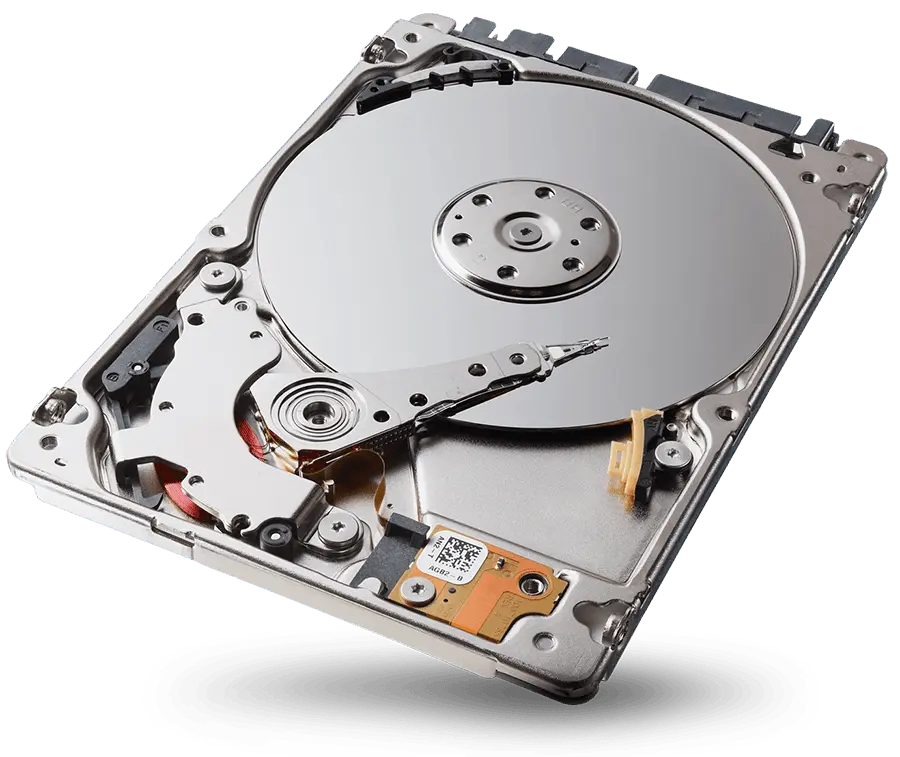
A traditional hard drive (HDD) is a precise mechanical device. Inside are spinning metal platters coated with a magnetic layer, and an arm with tiny read/write heads that float a few nanometers above the surface, closer than the width of a fingerprint ridge. On the outside is a circuit board, called the PCB or controller board, that runs the motor and the heads and talks to your computer.
Common hard drive failures
The classic clicking or ticking sound. The heads can't read the platters, so the drive keeps retrying. Every attempt risks the heads touching the platter surface.
The drive hums, buzzes or beeps but doesn't spin up. Sometimes the heads have stopped on the platter instead of parking off to the side.
No sound and no spin, often after a power surge or the wrong power adapter. Sometimes there's a visible burn mark on the board.
Drives store their own operating instructions in a reserved area on the platters. If that gets corrupted, the drive may show the wrong capacity, a strange name, or freeze the computer when plugged in.
The drive works but is slow, freezes, or some files won't open. This is often the early stage of a drive that's on its way out.
"Can't you just swap the board?"
It's a reasonable question, and on older drives it sometimes worked. On modern drives, each circuit board holds information unique to that specific drive, calibrated at the factory to match its heads and platters. A board from an identical model usually won't work on its own. Done properly, the unique chip from the original board has to be moved to the replacement board, or its contents transferred. That's board-level work, and it's one of the reasons a "simple" dead drive isn't always simple.
When the drive has to be opened
If the heads or motor have failed, the drive has to be opened and the damaged parts replaced with matching donor parts, usually from a drive of the same model with matching internal revisions. This has to be done in a clean, dust-free environment. A single speck of dust on a platter can destroy data the heads pass over. Once the drive runs again, it's imaged with specialized equipment that can handle weak and damaged areas, and the files are rebuilt from that image.
Physical hard drive recovery is specialized work. When a drive needs this level of recovery, we'll tell you what it needs before anything else happens.
SSDs: No Moving Parts, Different Problems
Solid state drives (SSDs) don't have platters or heads, so they don't click or grind. That makes them faster and tougher in a laptop bag. It also makes them harder to recover when they fail, for a few reasons.
An SSD's controller chip spreads data across many memory chips and constantly moves it around to wear the chips evenly. Your files aren't stored in one tidy place. Only the controller knows where every piece is. If the controller dies, the raw memory chips are a scrambled puzzle.
A lot of modern SSDs encrypt data as they write it, using keys stored inside the drive. If the electronics that hold those keys fail, reading the memory chips directly doesn't produce usable files.
To keep SSDs fast, your operating system tells the drive which blocks are no longer in use, and the drive clears them in the background. That's great for speed and terrible for recovering deleted files. On an SSD, a deleted file can be truly gone within minutes.
Hard drives tend to give warning signs. SSDs more often go from working to not detected with no warning at all.
Soldered storage in laptops and Macs
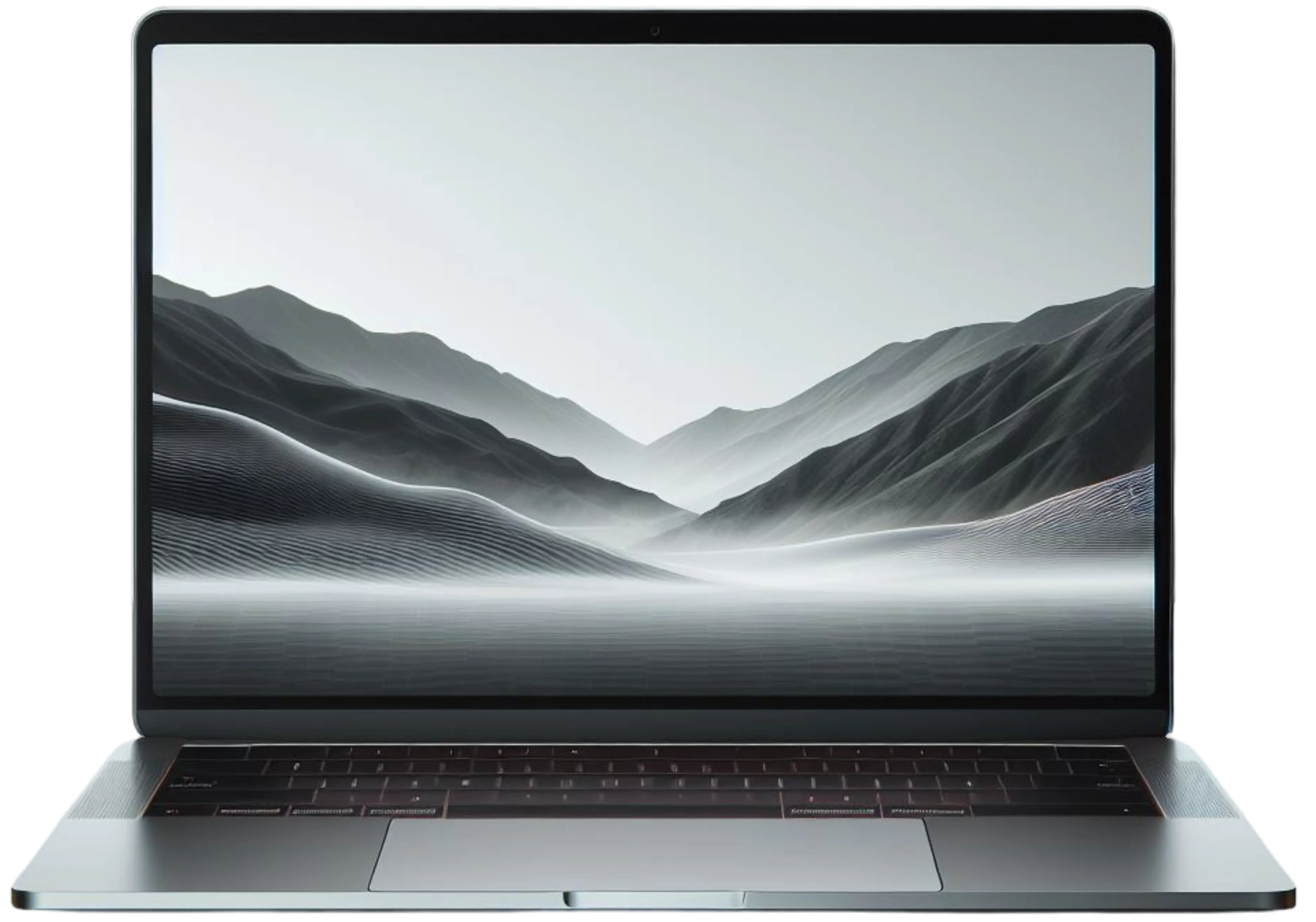
Many thin laptops, and every Mac with a T2 chip or Apple silicon, have their storage soldered directly to the main board, and it's encrypted with keys tied to that board's security chip. There's no drive to pull out and plug into another computer. The only way to reach the data is to get that original board running again, even just long enough to copy the files off. That's where board-level repair and data recovery meet: fixing the board is the recovery.
Phones and Tablets
Phones work differently from computers, and it changes what's possible.
How phone storage works
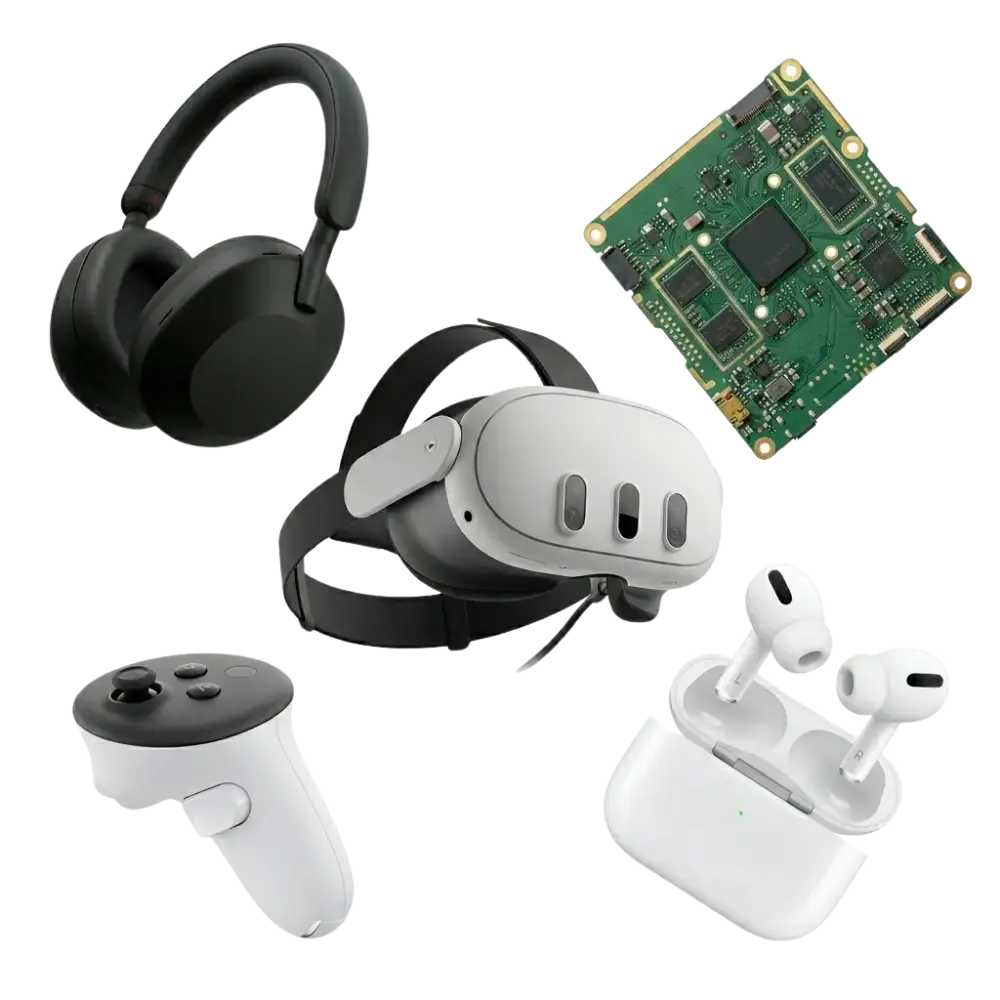
Modern iPhones and Android phones store data on memory that's soldered to the board and encrypted. The encryption keys are tied to the phone's own processor and, on iPhones, to its Secure Enclave, along with your passcode. Taking the memory chip out and reading it in another device doesn't give you your photos. The data can only be read by that phone, unlocked with your passcode.
What that means in practice:
- If the phone can be made to turn on, the data can usually be backed up normally.
- If the phone won't turn on, recovery means repairing the board enough to boot it. After water damage or a drop, that can mean board-level work on the original logic board.
- If the passcode is unknown, there's no legitimate way around it. A phone that's been erased has had its encryption keys destroyed, and that data is gone.
Common phone data situations
Check Recently Deleted in the Photos app first. On iPhone, deleted photos stay there for 30 days. Google Photos keeps deleted items in its Trash too. Also check iCloud Photos or Google Photos on the web.
Don't charge it. Board-level repair can often get a damaged phone running long enough to back up, even if it isn't worth fully repairing afterward.
If the screen is black or doesn't respond to touch but the phone still rings or vibrates, the data is fine. Replacing the screen, or temporarily connecting a working one, lets you get in and back up.
Too many wrong attempts, sometimes from a cracked screen ghost-touching on its own, can disable an iPhone. Getting back in requires erasing it, so the data only comes back from a backup.
iCloud lock, Activation Lock and Google lock
These get confused with data recovery a lot, so it's worth being clear.
- Activation Lock (iCloud lock) ties an iPhone, iPad or Mac to the owner's Apple ID. After an erase, the device won't set up again without that Apple ID and password. It exists to make stolen devices useless.
- Google's Factory Reset Protection does the same thing on Android phones with a Google account.
Neither one is a repair problem. The only legitimate ways past them are signing in with the account that set the device up, or going through Apple or Google with proof of purchase. No legitimate repair shop can bypass them. If a device came to you used and it's locked, the seller needs to remove it from their account.
And to be clear: Activation Lock doesn't hold your data hostage. If your phone is erased, the data is already gone from the phone. The lock only controls who can set it up again. Your data lives on in your iCloud or Google backup, if you had one.
Other Devices
- External hard drives: many are a regular hard drive inside a case with a USB adapter board. Sometimes only the adapter has failed. Some models encrypt data through that adapter board, so it can't simply be thrown away.
- USB flash drives and SD cards: failures are usually a broken connector, a cracked chip or corruption. Corruption is often recoverable with software; physical breaks need careful soldering.
- Water-damaged laptops: don't power them on to check. Corrosion can short the board and the storage. Recover first, repair second.
- Ransomware: files encrypted by ransomware generally can't be recovered without backups. Disconnect the computer from the network right away to stop it spreading.
What Not to Do
- Keep restarting to see if it works
- Install recovery software on the same drive
- Open a hard drive yourself
- Put a drive in the freezer
- Tap, shake or hit the drive
- Reinstall or reset the operating system
- Charge a water-damaged phone
- Stop using the device right away
- Turn off a drive that's clicking or beeping
- Check iCloud, Google, OneDrive and Dropbox
- Check Recently Deleted on phones
- Write down what happened and when
- Bring it in as soon as you can
The freezer one is an old internet myth. Freezing a drive causes condensation inside it, which can ruin the platters. It might spin once and then fail completely.
What Affects Your Chances
- How the data was lost. Deleted from a hard drive is very recoverable. Deleted from an SSD often isn't.
- What happened after. Every new file written can overwrite something you lost.
- How long a failing drive kept running. The sooner it's off, the better.
- Physical damage. Scraped platters, burned chips and cracked boards all reduce what can be saved.
- Encryption. It protects your data from thieves, and it also means the original device usually has to work for the data to be readable.
No honest shop can promise every file every time. What you should always get is a straight explanation of what's wrong with your drive and what your real chances are.
How Data Recovery Works at Fixoid
- Start online or walk in
Start a data recovery request online, or bring the device to our Vancouver or Portland store. Tell us what happened and which files matter most.
- We figure out what kind of failure it is
Logical, electrical or physical. That decides the right approach and what it takes.
- You get a straight answer
We'll tell you what your device needs and what your chances look like, including if it needs specialized clean-room work.
- We recover before anything else
If the device also needs a repair, your data comes first. We don't do anything that puts your files at risk before they're safe.
How to Never Go Through This Again
The best recovery is the one you never need. A simple rule IT pros use is 3-2-1: keep 3 copies of anything important, on 2 different types of storage, with 1 copy somewhere else, like the cloud.
- Turn on cloud backup for photos and important folders. iCloud, Google Photos, OneDrive and Dropbox all run in the background.
- Keep an external drive for full backups, using Time Machine on a Mac or File History on Windows, and plug it in regularly.
- Replace aging hard drives before they fail. An SSD upgrade is faster too.
- Pay attention to warning signs: clicking, freezing, slow file access and files that won't open.
Frequently Asked Questions
Can deleted files be recovered?
Often, yes, on a traditional hard drive, as long as they haven't been overwritten. On an SSD it's much harder, because the drive clears deleted data in the background to stay fast. Either way, stop using the device right away.
Can you recover data from a computer that won't turn on?
In most cases, yes. If the drive is healthy, the files are usually still there even when the computer won't start. On laptops and Macs with storage soldered to the board, the board may need to be repaired first so the data can be reached.
What should I do if my hard drive is clicking?
Turn it off and leave it off. Clicking usually means the read/write heads have failed, and running it can scrape the platters and destroy data permanently. Bring it in as soon as you can.
Why is SSD data recovery harder than hard drive recovery?
SSDs spread data across many memory chips in a pattern only their controller understands, many encrypt everything automatically, and a feature called TRIM clears deleted files in the background. When the controller or encryption fails, reading the chips directly doesn't give you usable files.
Can you replace the circuit board on my hard drive?
Sometimes, but it isn't a simple swap. Modern drives store information unique to each drive on the board, so a replacement board usually needs that data transferred from the original before it will work.
Can you get photos off a phone that won't turn on?
Often, if the phone can be repaired enough to boot. Phone storage is encrypted and tied to the phone itself, so the data can't be read by removing the chip. Getting the original board running is usually the way in.
Can you remove an iCloud lock or Activation Lock?
No legitimate repair shop can. Activation Lock can only be removed by signing in with the Apple ID that set up the device, or through Apple with proof of purchase. The same goes for Google's lock on Android phones.
I forgot my iPhone passcode. Can you get my data?
Not without the passcode. Apple requires the phone to be erased to get back in, so your data only comes back from an iCloud or computer backup.
Should I use free data recovery software?
Only on a healthy drive, and never installed on the drive you're trying to recover. If the drive is making noise, disconnecting or running very slowly, software can make it worse.
Is data recovery always successful?
No. Scraped platters, severe physical damage, encryption failures and overwritten data can make some files impossible to recover. You'll get a straight answer about your chances.