










When your computer breaks, the cost is only half the question. The other half is how long you'll be without it. For a lot of people that's the bigger problem: it's the work laptop, the school computer, the only machine in the house. Here's how long common repairs actually take, what slows a repair down, and what you can do to get yours back sooner.
The Quick Answer
Most common computer repairs are done the same day. Bigger jobs, like motherboard work and liquid damage, usually take 1 to 3 business days.
| Repair | Typical turnaround |
|---|---|
| Screen replacement | Same day on most popular models |
| Battery replacement | Same day |
| Keyboard repair | Same day for most |
| Virus and malware removal | Same day |
| Software and operating system issues | Same day |
| RAM or SSD upgrade | Same day |
| Motherboard repair | 1 to 3 business days |
| Liquid damage | 1 to 3 business days |
| Data recovery | Depends on the drive |
These are typical times, not promises. The next section covers what changes them.
What Happens While Your Computer Is in the Shop
A lot of people picture a repair as one step: someone swaps a part. In reality, a careful repair has several stages, and knowing them explains where the time goes.
- Check-in
We log the device, the problem, what you've noticed and anything you've already tried. If you started the repair online, most of this is already done.
- Finding the actual problem
A laptop that won't charge could be the charger, the port, the battery or the board. Testing to find the real cause is what keeps us from replacing the wrong part.
- Protecting your data
If the repair could put your files at risk, they get backed up first.
- Parts
If the part is in stock, the repair moves straight ahead. If it has to be ordered, this is usually where the wait happens.
- The repair
The actual work. For a screen or battery this can be quick. For board-level work or liquid damage it takes much longer.
- Testing
We test the repair and the rest of the computer before calling it done: charging, display, keyboard, trackpad, ports, Wi-Fi and sound, plus running it under load for repairs like fans and boards.
- Ready
We let you know it's ready to pick up.
Turnaround by Device
Laptops
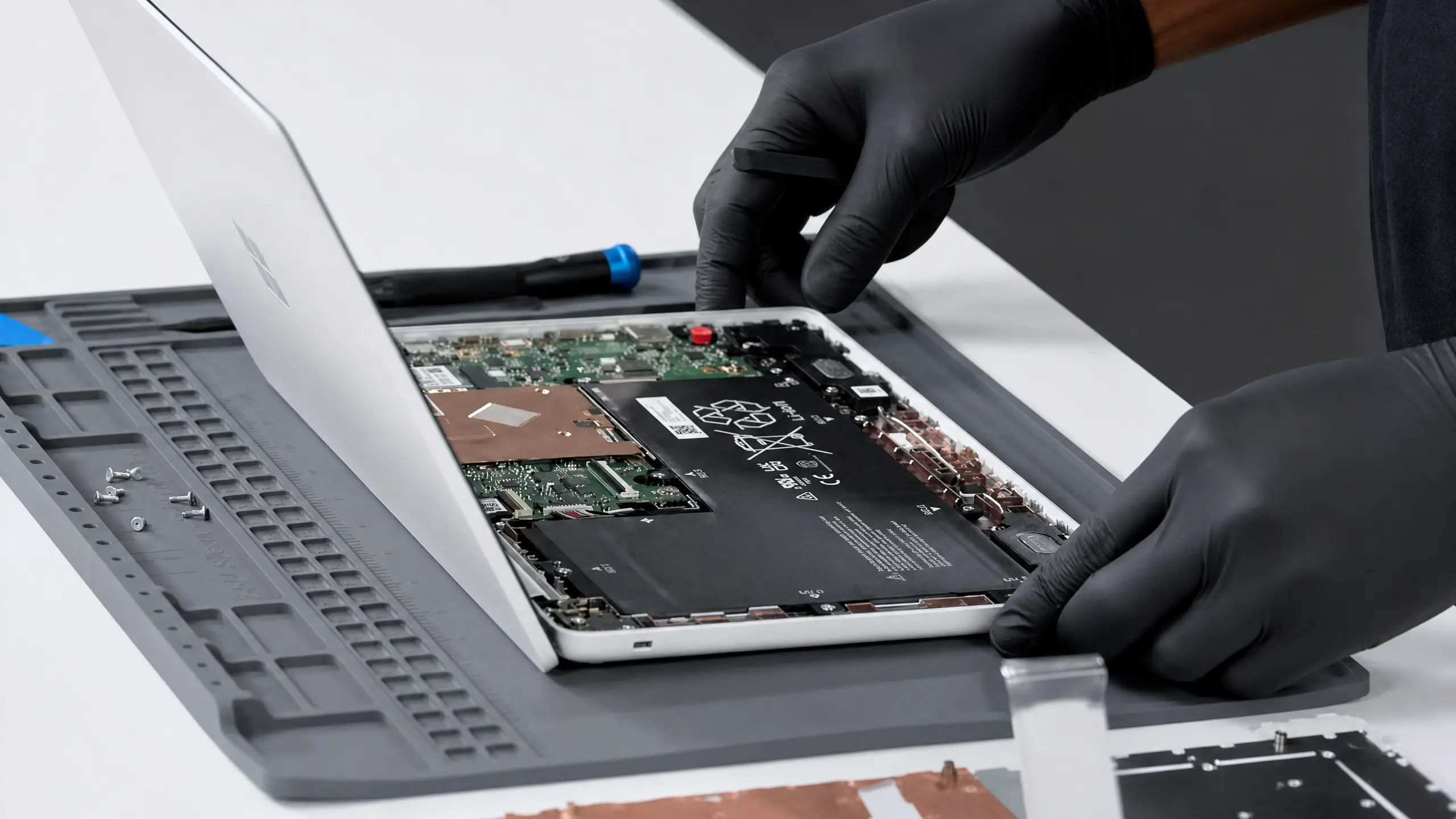
Screens, batteries, keyboards and software repairs are usually same day on popular models. The things that stretch a laptop repair are less common screen variations, keyboards built into the top case, liquid damage and anything on the motherboard.
Desktops
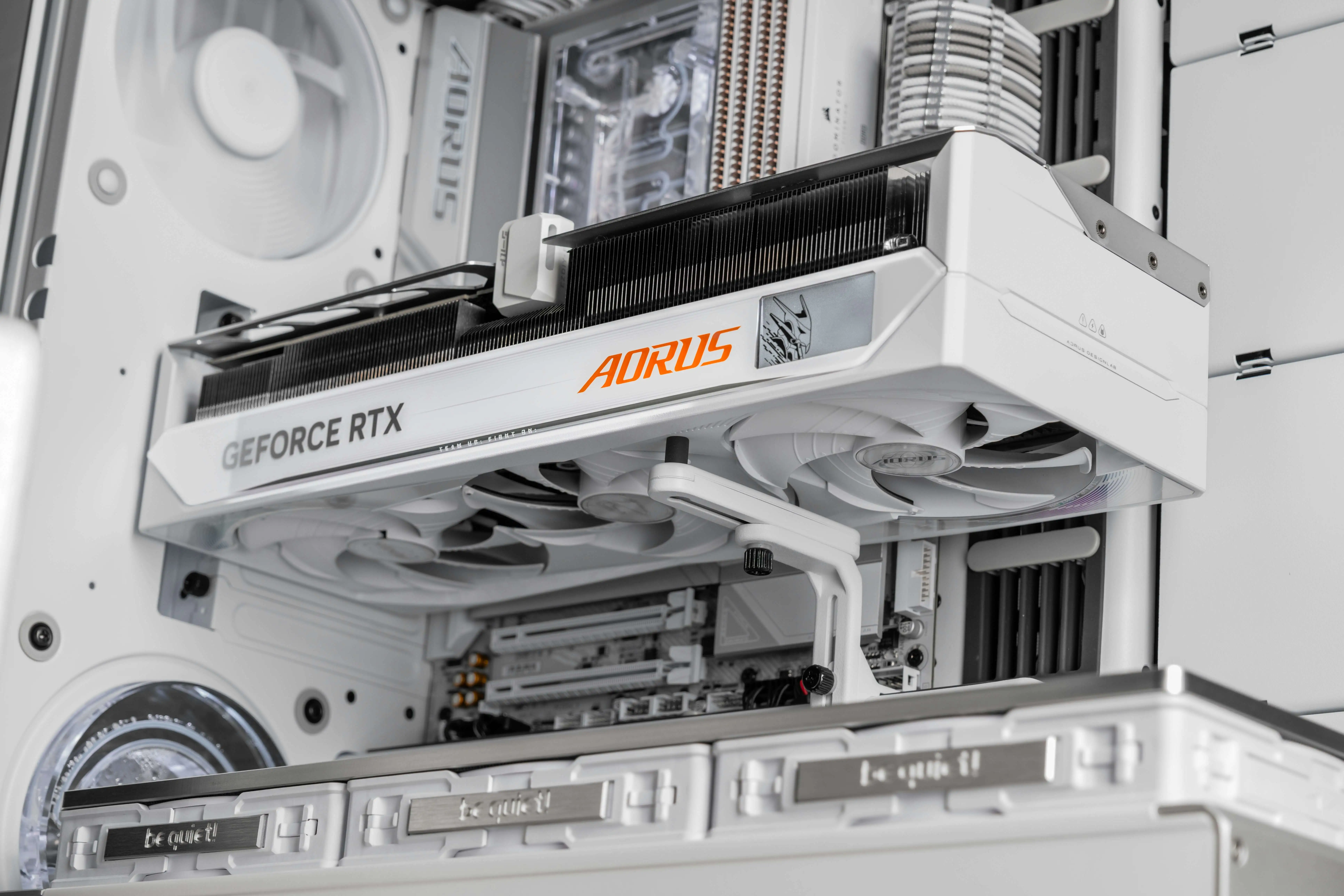
Desktops are often the quickest to fix because their parts are standard. Power supplies, drives, RAM and most upgrades are usually same day when the parts are in stock. Graphics cards and some branded or small-form-factor parts may need to be ordered.
Macs
Batteries, software problems and many screen repairs on common models move quickly. Some Mac repairs take longer because the parts are specific to the exact model and year, and some, like keyboards on many MacBooks, involve replacing larger assemblies. Logic board work follows the same 1 to 3 business day pattern as other board repairs.
Gaming PCs and gaming laptops
Thermal service, cleaning and many component swaps are quick. Tracking down an intermittent problem, like a crash that only happens after an hour of gaming, takes longer because the problem has to show up before it can be fixed. Stress testing after the repair adds time too, and it's worth it.
Why Parts Sometimes Take Longer
Two laptops that look identical on the outside can need different parts. A single laptop model can be sold with several different screens, varying in resolution, touch support or refresh rate. Batteries, keyboards and boards can change between production runs. Getting the exact match matters, because the wrong part either won't fit or won't work right. When a part isn't in stock, we'll tell you so you're not left guessing.
What Makes a Repair Take Longer
We stock screens, batteries and other common parts for the most popular models, which is why so many repairs finish the same day. Less common models, older machines and specialty parts sometimes have to be ordered in, and that adds time.
A spill isn't a single repair. The board has to be cleaned, corrosion has to be treated, and then everything has to be tested before we know what else was affected. Rushing that step is how a liquid damage repair fails a week later.
A laptop that came in for a dead battery sometimes turns out to have a failing charging port too. Each extra problem adds time, and we'd rather fix both than send it home half done.
Before any repair that could put your files at risk, we back them up. On a large or failing drive, that can take a while, but it's time well spent.
Motherboard repairs mean finding a failed component under the microscope and repairing or replacing it, then testing the whole machine. That's careful work, which is why it usually takes 1 to 3 business days.
How to Get Your Computer Back Faster
A few small things on your end can save real time.
- Start the repair online first
Fill out the repair form before you come in. We'll already know the device and the problem when you arrive.
- Bring the charger
For laptops, the charger tells us a lot. A computer that won't charge could be the battery, the port or the charger itself, and having it in hand gets to the answer quicker.
- Share your password if you're comfortable
We need to log in to test some repairs properly, like software problems, keyboards and trackpads. Without it, some testing has to wait until we can reach you.
- Back up what you can
If the computer still turns on, copy your important files somewhere safe before you bring it in. That way any backup we need to do goes faster, or isn't needed at all.
- Tell us everything it's doing
"It's slow" and "it's slow, it gets hot, and it shuts off when I play games" point to very different fixes. The more detail you give, the faster we land on the real problem.
Walk-In vs Mail-In
Walk-in is the fastest option. No appointment needed at either store, and most repairs can start right away.
Mail-in works well if you're not near a Fixoid store. The repair itself takes the same amount of time, but shipping adds a few days on each end. If you're within driving distance, walking in is almost always quicker.
Members Skip the Line
If you're a Fixoid VIP member, your repair moves to the front of the queue and becomes the most urgent job on the bench. When the computer you rely on is down, that can make a big difference. See the membership plans for details.
What Happens If It Takes Longer Than Expected
Sometimes a repair turns up something new, or a part takes longer to arrive. When that happens, we'll let you know and give you a realistic timeline instead of leaving you guessing. When it's ready, we'll text you.
Laptop, desktop or Mac down?Walk in to our Vancouver or Portland store, or start a repair online.Frequently Asked Questions
Can you fix my computer the same day?
Most common repairs are done the same day, including screens, batteries, keyboards, virus removal, software issues and RAM or SSD upgrades. Motherboard work and liquid damage usually take 1 to 3 business days.
Do I need an appointment?
No. Walk in to either Fixoid store any day we're open. You can also start your repair online first so we have the details ready.
How long does liquid damage repair take?
Usually 1 to 3 business days. The board needs to be cleaned and treated for corrosion, then tested before we know if anything else was affected. Bring it in as soon as possible after a spill, powered off and not charging.
How long does data recovery take?
It depends on the kind of failure. Copying files from a healthy drive in a computer that won't boot can be quick. Software recovery of deleted files takes longer. A physically failing drive that needs specialized work takes the longest. We'll give you a realistic timeline once we see it.
Why does my repair need a part ordered?
The same laptop model can use several different screens, batteries or boards depending on how it was configured. We stock common parts for popular models, but less common or exact-match parts sometimes have to be ordered.
Can I keep using my computer while I wait for a part?
Sometimes. If it still works and the problem isn't getting worse, you can often keep it until the part arrives. If there's liquid damage, a swollen battery or a failing drive, it's safer to leave it with us.
Does mail-in repair take longer?
The repair itself takes the same time, but shipping adds a few days each way. If you're close to a Fixoid store, walking in is usually faster.
What warranty comes with the repair?
Every Fixoid repair comes with a 90-day warranty on parts and labor. If the same issue comes back within 90 days, we fix it at no charge.