









Your laptop won't charge, your desktop keeps freezing, or your MacBook screen just cracked. The first question is almost always the same: do I fix this, or is it time to buy a new one? There's no single answer, but there is a clear way to think it through. This guide covers the quick rule of thumb, a repair-by-repair breakdown of what's usually worth fixing, how age and software support change the math, the costs of replacing that people forget about, and what to do if a repair doesn't make sense. It's the same thinking our techs walk customers through every day.
The Quick Answer: The Half Rule
It's a starting point, not a law. A two-year-old laptop with a dead battery is an easy yes. A nine-year-old laptop that needs a screen and a board, and can't run a supported operating system, is usually a no even if the repair comes in under half. The rest of this guide fills in those gaps.
Five Questions to Ask First
Not the cheapest computer on the shelf, but one that does what yours does now. That's the number to compare the repair against. A lot of people compare a repair to a budget laptop, buy the budget laptop, and end up unhappy with it.
A single failed part on a healthy machine is a clean repair. A computer with a weak battery, a sticky keyboard, a loose hinge and now a cracked screen is wearing out everywhere, and fixing one thing tends to lead to the next.
If it was fast enough last month, a repair gets you back to a computer you were happy with. If it was already struggling with your work or games, a repair just brings back the struggling.
A computer that can't run a supported version of Windows, macOS or ChromeOS stops getting security fixes. That's one of the strongest signs it's time to replace, no matter how well the hardware works.
Photos, school work, business files. If the data matters and isn't backed up, that changes the conversation. Even when a computer isn't worth fixing, the files on it usually are, and they can usually be recovered.
Repair by Repair: Is It Usually Worth It?
| Repair | Usually worth it when | Think twice when |
|---|---|---|
| Battery | Almost always, if the rest is healthy | The laptop can't run a supported OS |
| Screen | The laptop is a few years old or newer | It's very old, or also needs other major work |
| Keyboard | Most laptops; MacBook top cases cost more | Several other parts are also worn out |
| Charging port | Almost always | The board is also damaged |
| Fans and overheating | Almost always, it's an affordable fix | Never really; heat damages other parts |
| Slow from an old hard drive | Almost always, an SSD transforms it | It can't run a supported OS |
| Virus and software problems | Almost always | Rarely a reason to replace |
| Hinge | Most laptops, especially if caught early | The case is badly cracked around it |
| Liquid damage | Newer machines brought in fast | Older machines, or it sat for days |
| Motherboard | Newer or higher-end machines | Older or budget machines where the board is most of the value |
| Data recovery | Whenever the files matter | Never, the files are usually worth more than the machine |
How Age and Software Support Change the Math
How long computers usually last
As a rough guide, and it varies a lot with how a computer is used and cared for:
- Budget laptops often start feeling slow after a few years.
- Mid-range and business laptops commonly last around four to six years.
- Desktops often last longer, because parts can be replaced and upgraded.
- Macs tend to hold their value and stay usable longer than most.
- Gaming laptops work hard and run hot, so they benefit most from regular cleaning and maintenance.
Age matters less than condition, but an older machine is more likely to have other parts close to failing.
Software support is the real deadline
- Windows: Microsoft ended support for Windows 10 in October 2025. Computers that can't meet Windows 11's requirements, which include a supported processor and a TPM 2.0 security chip, no longer get security updates on a supported version of Windows. No repair changes that, because it depends on the processor and motherboard.
- Mac: Apple supports each Mac with new macOS versions for a number of years, then security updates for a while after. Once a Mac stops getting updates, apps and browsers eventually stop supporting it too.
- Chromebook: every Chromebook has an end date for automatic updates set by Google. You can find yours in the Chromebook's settings under About ChromeOS. Repairing a Chromebook close to that date rarely makes sense.
Laptops, Desktops, Macs and Chromebooks
Laptops
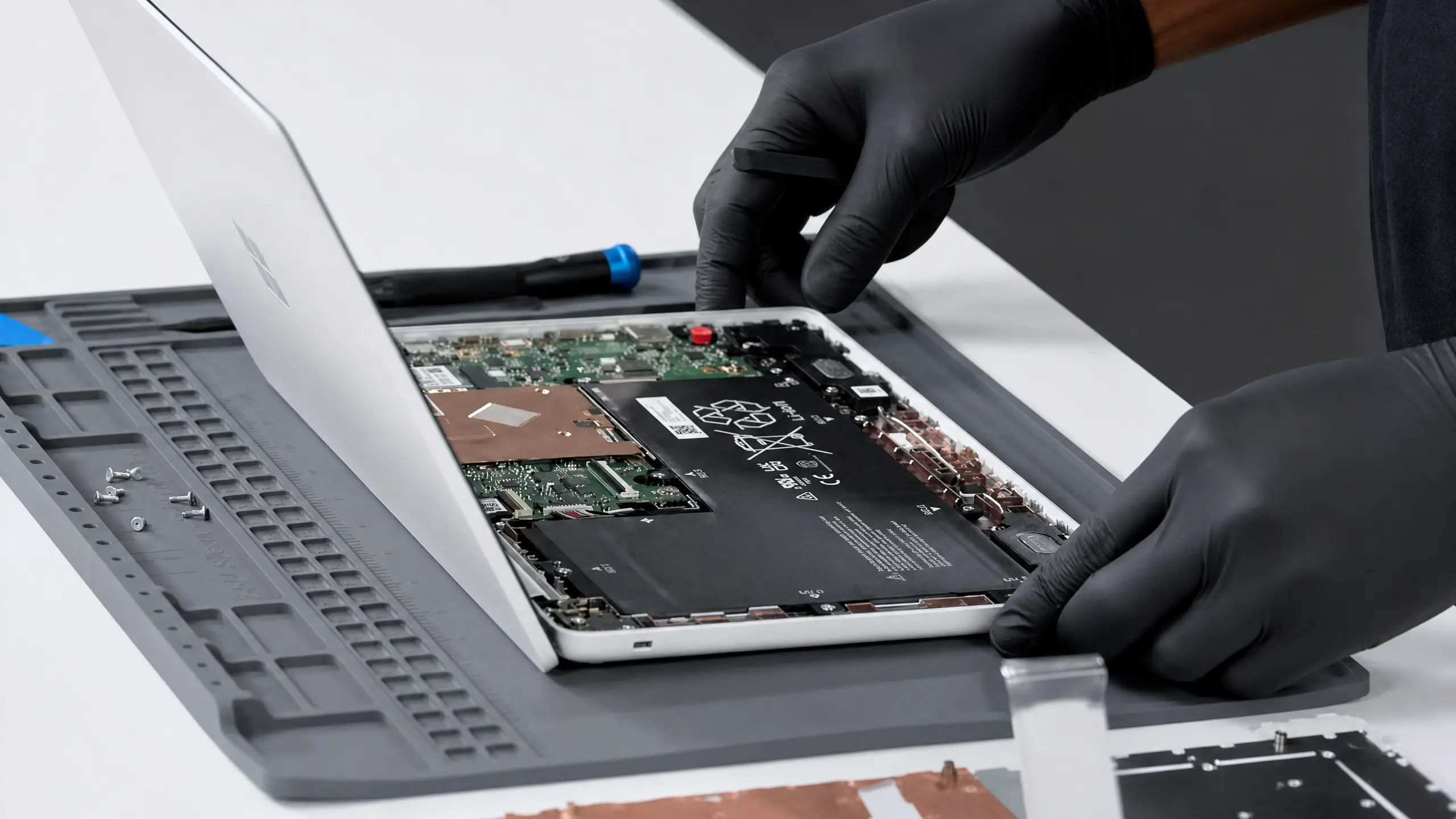
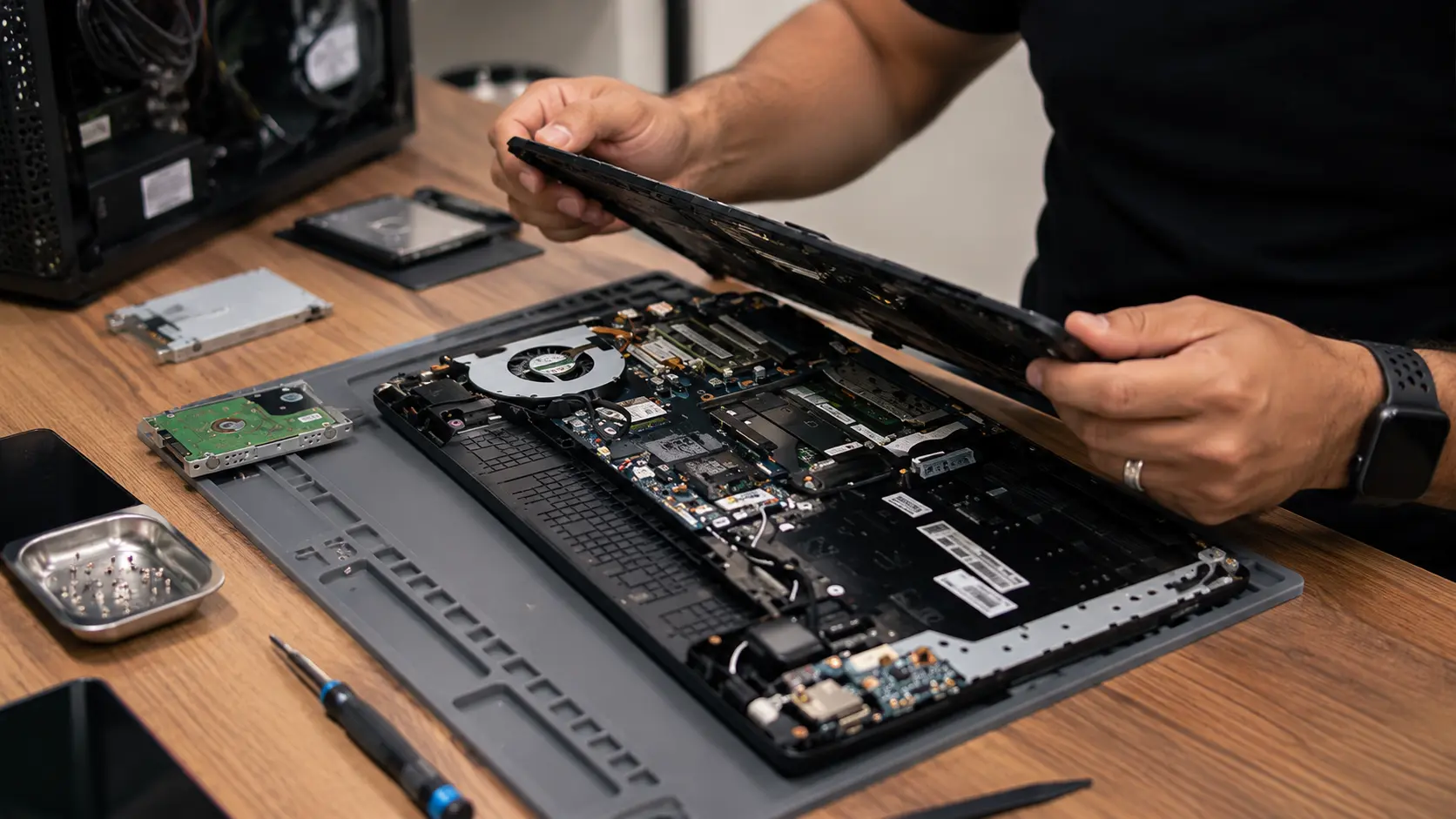
Most laptop repairs come down to one part: the screen, battery, keyboard, hinge or charging port. Those are usually worth doing on anything a few years old. Where it gets harder is when the motherboard is involved on an older or budget laptop, because the board can be a big share of what the whole machine is worth.
Desktops
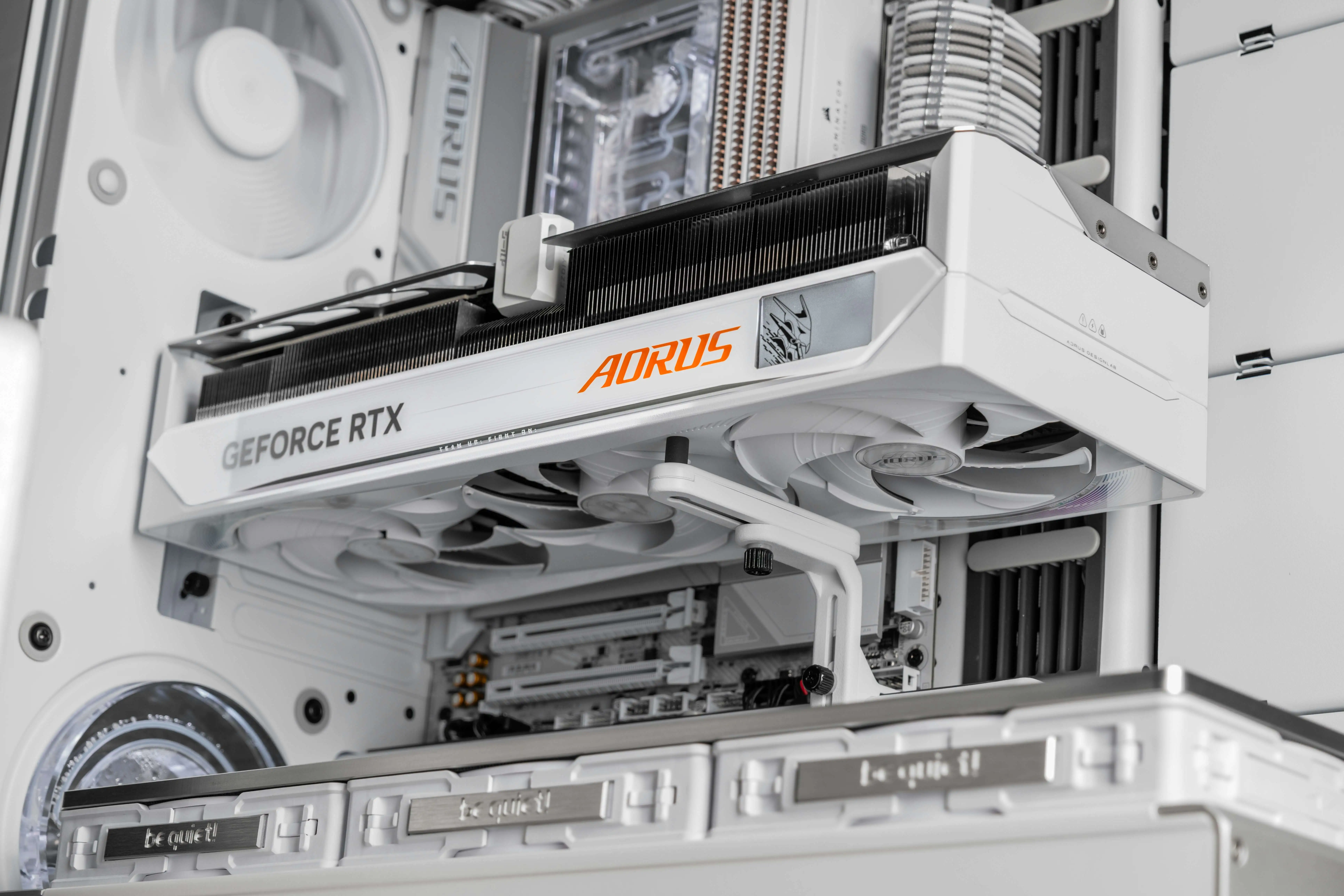
Desktops are the easiest computers to keep alive. Most parts are standard, so a dead power supply, a failed drive or a tired graphics card can be swapped without replacing everything else. A lot of the time a desktop isn't broken so much as outgrown, and an upgrade gets more life out of it than a new tower would.
Macs
Macs hold their value well, which keeps repairs worth it for longer. Screens, batteries, keyboards and charging ports are common, fixable jobs. Newer Macs build memory into the chip and solder storage to the board, so board problems cost more to deal with than on older Intel Macs. When a board fails, we look at repairing it first, and replace it when a replacement is the better deal for that Mac.
Chromebooks
Chromebooks are usually inexpensive, so the half rule kicks in early. Simple repairs like a charging port or keyboard can make sense. A screen or board on an older Chromebook, especially one near its update end date, usually doesn't.
The Costs of Replacing That People Forget
The price tag on a new computer isn't the whole cost.
- Setup and data transfer: moving files, browser bookmarks, email and settings takes time, or money if someone does it for you.
- Software: programs you bought once may need new licenses or subscriptions.
- Accessories: a new laptop may need new chargers, adapters, docks or cases.
- Learning curve: a new machine, especially a different operating system, takes time to get used to.
- Downtime: for a work computer, days of setup is lost work.
- Waste: a repaired computer is one less device in a landfill.
None of these mean you should always repair. They just belong in the math.
Sometimes an Upgrade Beats a New Computer
If your computer isn't broken but feels slow, check this before shopping. A lot of slow computers are held back by an old hard drive or not enough memory.
- SSD upgrade: going from a spinning hard drive to an SSD is the biggest speed jump most older computers can get.
- More RAM: fewer freezes when a lot is open, on computers that can take more.
- Cleaning and thermal service: clearing dust and replacing dried thermal paste lets a computer run cooler and stop slowing itself down.
Business Computers
For a business, the math includes downtime. A repair that's done same day keeps someone working. A replacement that takes a week to order and set up doesn't. On the other hand, a fleet of aging machines that can't run supported software is a security risk worth planning around rather than repairing one at a time.
If It's Not Worth Fixing, You Still Have Options
When a repair doesn't make sense, we'll tell you. That doesn't mean the computer goes in the trash.
- Get your files off first. Even a computer that won't boot usually still has your data on the drive.
- Put it toward something else. Ask about store credit, a trade-in, or selling us your old device.
- Wipe it properly before passing it on, so your accounts and files don't go with it.
How It Works at Fixoid
- Walk in or start online
No appointment needed at either store. You can also start a repair online, or mail your computer in.
- We find the actual problem
Our techs track down what's really wrong, not just the first thing that looks off. A computer that won't turn on could be the battery, the charger, the port or the board.
- A straight answer on whether it's worth it
If a repair doesn't make sense for your computer, we'll say so and walk you through your options.
- Fixed and covered
Every repair comes with a 90-day warranty on parts and labor. If the same issue comes back, we fix it at no charge.
Frequently Asked Questions
How do I know if my computer is worth repairing?
Compare the repair to the cost of a comparable new computer. If it's less than half, the rest of the machine is in good shape, and it can still run a supported operating system, repairing it is usually the better deal.
How long does a computer repair take?
Most common repairs, like screens, batteries and software issues, are done same day. More involved work like motherboard repair usually takes 1 to 3 business days.
Is it worth replacing a laptop battery?
Almost always, if the rest of the laptop is in good shape. A new battery is one of the most affordable laptop repairs and can make an older laptop feel new again.
Is a laptop with liquid damage worth fixing?
Often, especially on newer laptops brought in quickly. Power it off right away, don't charge it, and bring it in. The longer it sits, the more corrosion spreads.
Should I repair or replace an old MacBook?
It depends on the model and what's wrong. Screens, batteries, keyboards and charging ports are usually worth fixing because Macs hold their value. If an older MacBook needs a board and a screen at once, or no longer gets macOS updates, replacing it may make more sense.
My computer can't run Windows 11. Is it still worth fixing?
Usually only for simple, inexpensive repairs, or to get your files off it. Without a supported version of Windows it no longer gets security updates, so it's often the right time to plan for a replacement.
Can you get my files off a computer that isn't worth fixing?
Yes. In most cases the drive still has your data even when the computer won't turn on. We recover your files before anything else gets touched.
What warranty comes with a computer repair?
Every Fixoid repair comes with a 90-day warranty on parts and labor. If the same issue comes back within 90 days, we fix it at no charge.