Cracked, dead,
or completely fried.
or completely fried.
Most phone repairs done same-day. No appointment needed.

We fix the tech
you depend on.
you depend on.
Computers, tablets, consoles and more. Expert techs, honest pricing.
East Portland's console repair shop on SE 96th Ave, right next to T-Mobile. PlayStation, Xbox, Nintendo Switch, Steam Deck — walk in, no appointment needed.
Every major platform, fixed at our SE 96th Ave shop.

HDMI ports, disc drives, overheating, liquid damage and consoles that won't turn on.
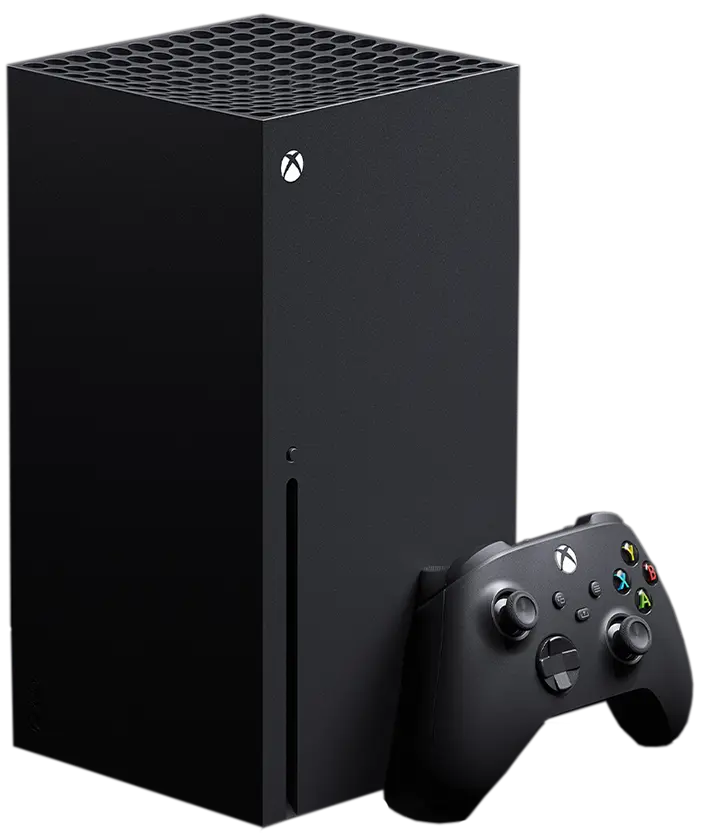
HDMI, disc drive and power problems, overheating and liquid damage.

Joy-Con drift, charging ports, cracked screens and game card readers.

Screens, charging ports, thumbsticks, buttons and fresh thermal paste.

PS3, Xbox 360, Wii, GameCube, N64 and more. Older consoles are usually repairable, so bring it in.

DualSense, DualShock 4, Xbox controllers and Joy-Con. Every platform, same as the consoles.
These are the console repairs we do most at our Portland shop.

No signal, bent pins, a loose port. One of the most common console repairs we do, and one of the most mishandled. We do it right.

Dead console, blinking lights, no power at all. It could be the power supply, a blown fuse or the board. We track down which one.

Shuts off mid-game, sounds like a jet engine, runs hot. Dried thermal paste and clogged heatsinks are the usual cause. We clean it out and bring temps back down.

Won't take discs, spits them out or won't read them. Some need a new drive, some just need the laser cleaned. We'll tell you which.

Spilled on it, got wet, hasn't powered on since. We clean the board, find what failed and fix it, instead of drying it out and hoping.
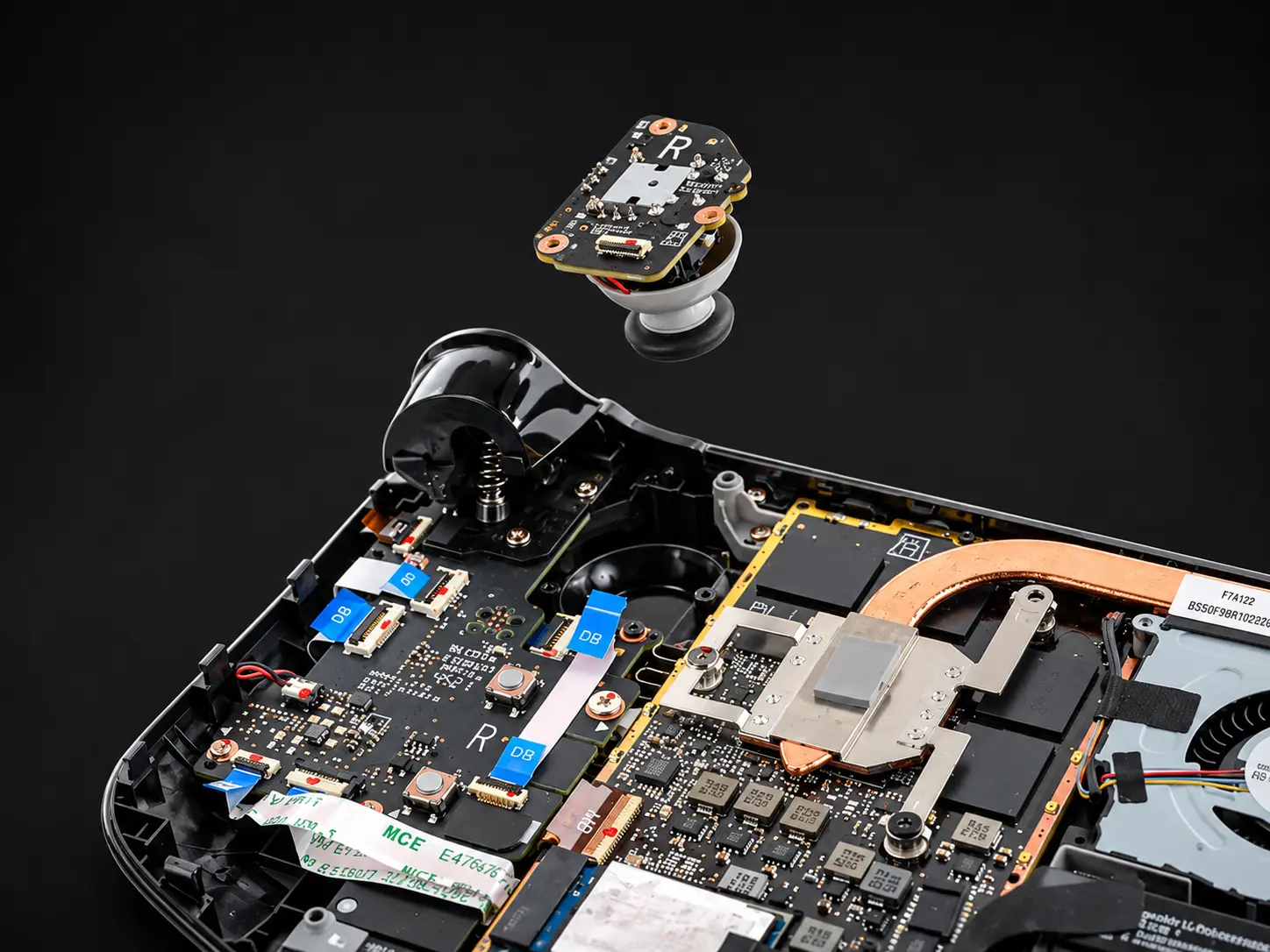
Stick drift, sticky buttons, broken triggers, dead charging ports. Bring the whole setup if everything's acting up.

A damaged port, a failed charging chip or a worn connection. Especially common on Switch and Steam Deck.

Cracked glass, dead pixels, no picture. Screen replacements for every Switch model and the Steam Deck.
Shutting off mid-game or louder than it used to be? This is the fix, start to finish.
 Step 01
Shell off, internals out, every screw and clip kept track of.
 Step 02
Fan, heatsink and shielding come apart so we reach the dust a can of air never touches.
 Step 03
The old, dried paste comes off the processor and the heatsink, down to bare metal.
 Step 04
Fresh thermal paste, back together, then we run it to make sure the temps came down.
Your character walks on its own. We replace the worn thumbstick so it stays put.
Sticky, mushy or dead buttons, broken triggers and bumpers that don't click.
Won't charge, won't pair or keeps dropping its connection mid-game.
Drift, loose rails and Joy-Con that won't stay connected to the Switch.
Tell us what it's doing and bring it to SE 96th Ave.
Walk in or start a repair online.