



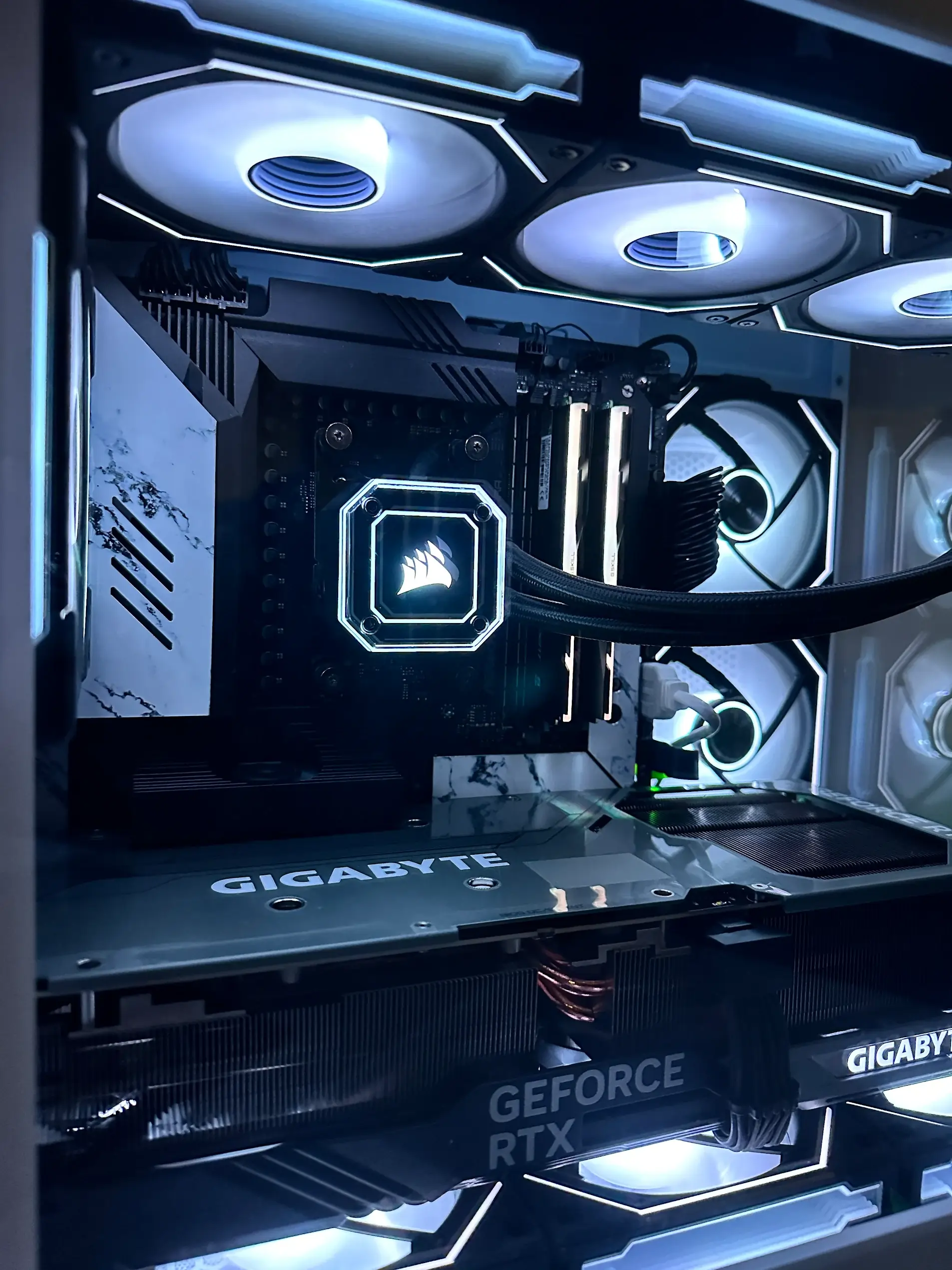
A custom PC gets you exactly the machine you want, with parts picked for the games or work you actually do. But the quality of a custom build depends almost entirely on two things: the parts that go in, and the person putting them together. Two PCs with the same parts list can run, sound and last very differently. This guide walks through what each part does, where your money should go, how a build should be put together and tested, and how to tell a good builder from a bad one.
Custom vs Prebuilt
- You choose every part, brand and model
- Money goes where it matters for your use
- Quality power supply and memory, not budget fillers
- Standard parts, easy to upgrade later
- Built and tuned for how you'll use it
- Looks the way you want
- Mystery or generic parts in places you don't look
- Often a big GPU paired with a weak power supply
- Proprietary parts on some models
- Limited airflow to hit a price
- Can be harder to upgrade
- Cheaper sticker price, sometimes
Not every prebuilt is bad, and not every custom build is good. The difference is control: with a custom build, you know exactly what you're paying for.
What Each Part Does
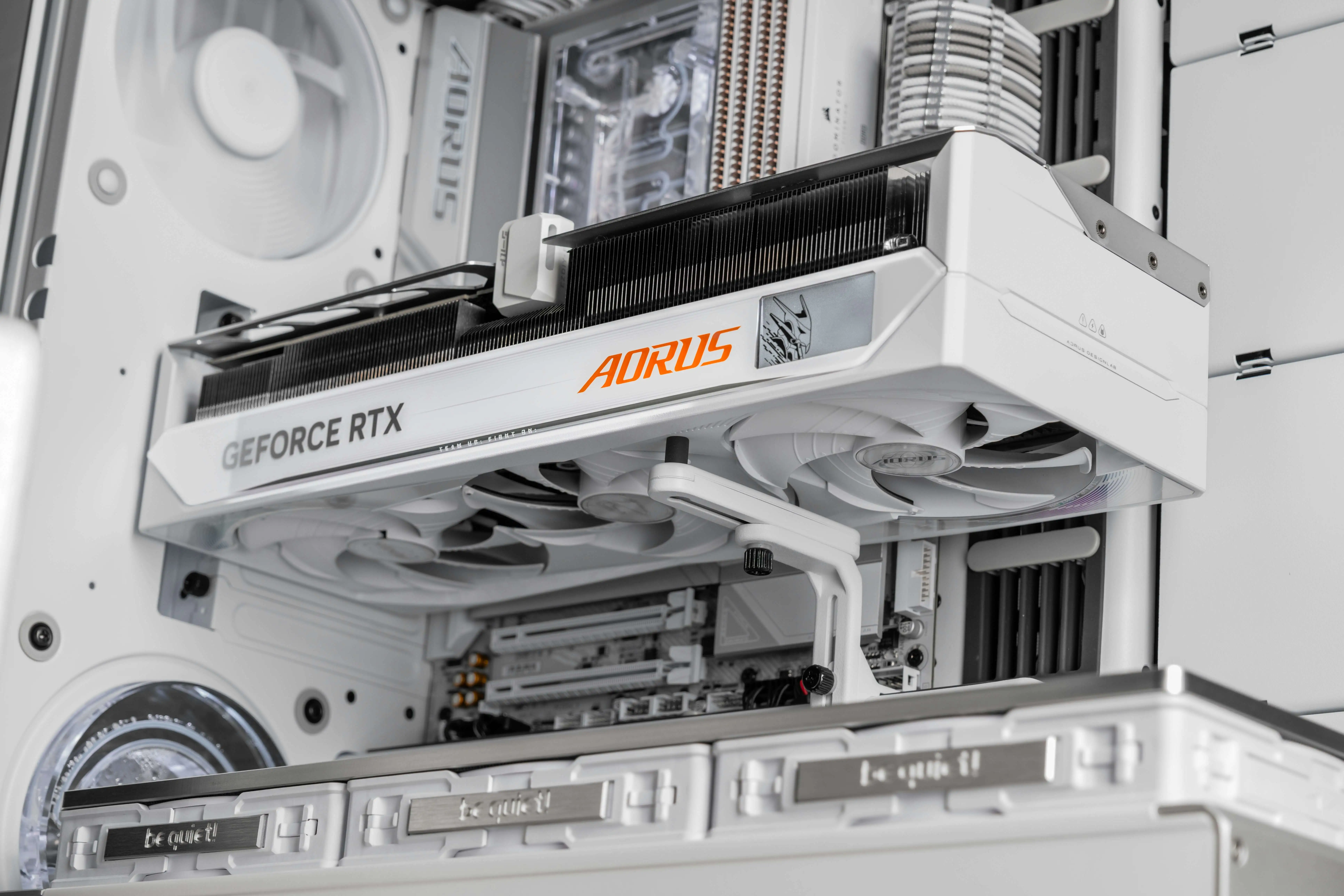
The single biggest factor in gaming performance, and usually the biggest line on the bill. It also matters for video editing, 3D work and AI tools. For gaming, how much video memory (VRAM) it has matters more every year, especially at higher resolutions.
Handles game logic, physics and everything outside of graphics, plus streaming, editing, compiling and multitasking. Competitive games at very high frame rates lean on the CPU. Most single-player games at higher resolutions lean on the GPU.
Connects everything. It decides which CPUs you can use, how many drives and fans you can connect, what ports you get, and whether you can upgrade the CPU later. A good board also has solid power delivery so the CPU runs stable under load.
How much you can have open at once without slowing down. Two matched sticks, running in dual-channel mode, perform better than one. RAM also has to be set to its rated speed in the BIOS, which a good builder always does.
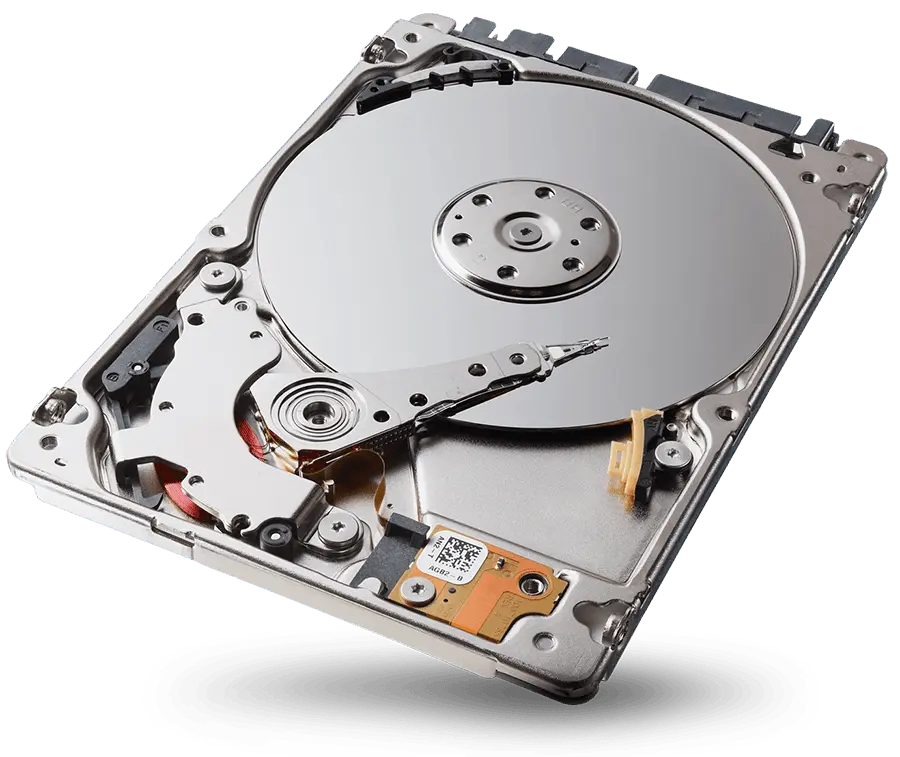
A fast NVMe SSD for the operating system and games keeps load times short. Newer generations are faster, though the jump is more noticeable in some uses than others. A second drive for a large game library is common.
The part most often cut to save money, and the one that protects everything else. A quality unit delivers clean, stable power and has protections built in. It also needs enough headroom for modern graphics cards, which can pull short bursts of power well above their rated draw.
Air coolers are reliable and quiet when sized right. All-in-one liquid coolers (AIOs) look clean and handle hot CPUs well. Case fans matter just as much: the case needs a clear path for cool air in and hot air out.
Affects airflow, noise, how big a graphics card fits and how clean the build looks. A glass front looks great but can choke airflow; a mesh front breathes better.
Where Your Budget Should Go
The right build depends on what you'll do with it. The biggest mistake we see is a parts list that looks impressive but is unbalanced for how the PC is actually used.
| How you'll use it | Spend more on | Don't overspend on |
|---|---|---|
| Single-player and AAA games | Graphics card, VRAM | Top-tier CPU |
| Competitive games at high frame rates | CPU and a fast GPU | Huge storage |
| Streaming while gaming | CPU, GPU, more RAM | Flashy case |
| Video and photo editing | CPU, RAM, fast storage | Lighting |
| 3D, CAD and AI tools | GPU with lots of VRAM, RAM | Gaming-focused extras |
| Office, school and everyday use | Fast SSD, quiet cooling | Graphics card |
Matching the Build to Your Screen
Your monitor decides a lot about the right graphics card.
- 1080p: the easiest resolution to run. Great for competitive gaming at high refresh rates on a moderate budget.
- 1440p: the sweet spot for most gamers today. Sharper than 1080p without the cost of 4K.
- 4K: stunning, and very demanding. Needs a high-end graphics card to run new games smoothly.
- Refresh rate matters too. A 165Hz or 240Hz monitor only feels that smooth if the PC can deliver that many frames.
How Long a Custom Build Takes
The assembly itself is the quick part. The timeline mostly depends on three things:
- Getting the parts. If everything is in stock, things move fast. A specific graphics card, case or color can be what you end up waiting on.
- Setup and tuning. Updating the BIOS, setting memory to its rated speed, setting fan curves, installing the operating system and drivers.
- Testing. A good builder stress tests the PC before you ever see it. This step shouldn't be rushed.
What a Proper Build Looks Like
- Parts checked for compatibility
CPU and motherboard socket, memory support, graphics card length and case clearance, cooler height, power supply wattage and connectors. Everything has to fit and work together.
- Careful assembly
Components installed correctly, every power connector fully seated. Modern high-end graphics cards use a power connector that has to be pushed in all the way; a partly seated one can overheat.
- Clean cable management
Cables routed behind the motherboard tray and tied down. It looks better, and it keeps air flowing through the case.
- BIOS and memory set up
BIOS updated, memory set to its rated speed, fans tuned so the PC stays quiet at idle and cool under load.
- Stress testing
CPU, graphics card and memory each run under heavy load to catch unstable parts, overheating and loose connections before you take it home.
- Clean install
The operating system and current drivers, without junk software.
What to Look For in a Builder
- Vague parts like "1TB SSD" or "650W PSU" with no brand
- All the budget in the GPU, nothing in the PSU
- No testing before you pick it up
- No clear answer about who handles problems later
- Pressure toward the most expensive option
- No upgrade path planned
- They ask what you'll use it for before quoting
- Full parts list with brand and model for everything
- A quality power supply, not a generic one
- Clean cable work and planned airflow
- They stress test before delivery
- Local, and they stand behind the build
- They also repair PCs
Warranty on a Custom PC
Custom PCs work a little differently than a prebuilt from one company. Each part carries its own manufacturer warranty, often longer than a prebuilt's overall warranty, especially on power supplies and SSDs. What matters is who handles it when something goes wrong. A local builder can figure out which part failed and deal with it, instead of you shipping the whole PC away or chasing several manufacturers yourself.
Questions to Ask Before You Commit
- What exact parts are going in? Brand and model for everything, including the power supply and memory.
- Why these parts for what I do? A good builder can explain every choice.
- How is it tested? Ask what they run and for how long.
- What happens if something fails? Who do you call, and where do you take it?
- Can it be upgraded later? Ask about the next graphics card, more storage and a future CPU.
- Do you repair PCs too? Builders who also fix PCs know which parts hold up and which ones come back.
Why a Local Builder Makes Sense
You can talk through the build in person, see it before you take it home, and skip trusting a shipping company with a heavy glass-paneled tower. Most of all, if anything ever goes wrong, you walk back in to the people who built it, and they're the same people who can fix it.
Want something fresh?Custom gaming and work PCs spec'd, sourced and assembled by Fixoid.Frequently Asked Questions
Is a custom PC more expensive than a prebuilt?
Not always. Prebuilts can look cheaper because they cut corners on the power supply, memory, motherboard or cooling. A custom build puts the money into the parts that matter for how you'll use it.
How long does it take to build a custom PC?
The assembly is the quick part. The timeline mostly depends on whether the parts are in stock, plus setup and stress testing. Being flexible on one or two parts often gets it done sooner.
What's the most important part in a gaming PC?
For most games, the graphics card has the biggest effect on performance. A quality power supply matters too, because it protects every other part in the case.
How much RAM does a gaming PC need?
It depends on the games and what else you run. Two matched sticks in dual-channel mode are better than one, and streaming or editing alongside gaming calls for more. A good builder sizes it to how you'll use the PC.
Air cooling or liquid cooling?
Both work well when sized right. Quality air coolers are simple and reliable. All-in-one liquid coolers look clean and handle hot processors well. Case airflow matters just as much as the CPU cooler.
What does stress testing a PC mean?
Running the CPU, graphics card and memory under heavy load for a period of time to catch unstable parts, overheating or loose connections before the PC goes home.
Can a custom PC be upgraded later?
That's one of the biggest advantages. Standard parts mean you can add storage, more memory or a new graphics card later, as long as the power supply and case have room for it.
Do you fix custom PCs that someone else built?
Yes. We work on self-built, boutique and prebuilt gaming PCs, regardless of who built them or what's inside.