




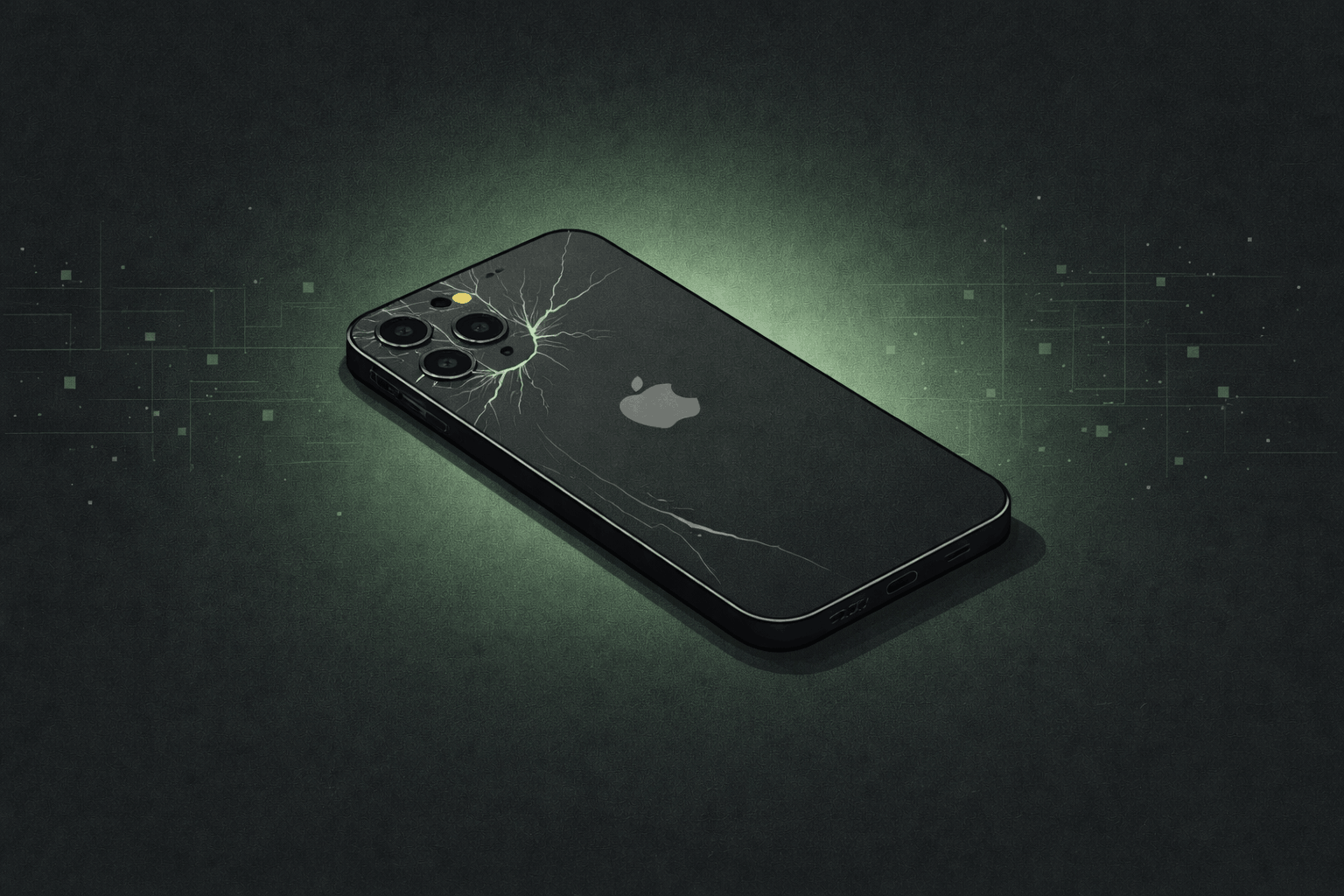
You dropped your iPhone. The screen cracked. And now — even when you're not touching it — the phone is opening apps, typing random things, or scrolling on its own. You're not imagining it. What you're dealing with is called ghost touch, and it's one of the most common problems we see after a cracked screen.
What's Actually Causing the Ghost Touch
Your iPhone screen is made up of two layers working together. The display layer (LCD or OLED) shows you the image. The digitizer layer — a thin transparent panel sitting on top — detects where and how hard you're pressing.
When you crack your screen, the damage rarely stays contained to just the glass. The impact puts stress on the digitizer underneath. A stressed or damaged digitizer starts sending false signals to the phone, making it think your finger is touching the screen when it isn't. That's ghost touch: phantom input from a damaged sensor.
Which iPhones Are Most Prone
Ghost touch after a crack can happen on any iPhone, but some models are more susceptible than others.
First OLED models. The digitizer is bonded more tightly to the display than older LCD models — cracks hit harder here.
Known manufacturing ghost touch issue independent of screen cracks. Apple has a separate repair program for this specific defect — check Apple's support page if your screen isn't cracked.
Ceramic Shield glass is harder to crack, but when it does the breaks tend to be severe and digitizer damage is significant.
Tighter tolerances and ProMotion displays make these especially sensitive to digitizer damage when the screen cracks.
Hardware or Software? How to Tell
Not every ghost touch is caused by a cracked screen. Worth ruling out a software cause first.
- Started after iOS update, not a drop
- Only happens in specific apps
- Restart stops it completely
- No crack near where it's happening
- Started right after the crack
- Phantom taps near crack lines
- Restart helps briefly, then returns
- Getting worse day by day
If the signs point to hardware — a screen replacement is the only real fix.
Why It Almost Always Gets Worse
Every time you use the phone you're applying pressure to an already-stressed digitizer. Every time it heats up in your pocket, the crack expands slightly. Fine debris works under the glass. What starts as occasional phantom taps can turn into a phone that calls people on its own or becomes completely unresponsive within days.
Is It Covered by Apple Warranty or AppleCare?
Standard accidental damage is not covered by Apple's one-year warranty. The warranty covers manufacturing defects, not drops.
AppleCare+
AppleCare+ covers accidental damage with a service fee — around $29 for most models as of 2025. If you have it, it's usually worth using. The catch: you need to go through Apple or an Authorized Service Provider, and wait times vary. We can typically get it done the same day.
The iPhone 11 exception
Apple acknowledged a ghost touch manufacturing defect on the iPhone 11 — separate from screen cracks. If your 11 has ghost touch and the screen isn't cracked, check Apple's support page before spending anything. You may qualify for a free repair.
Carrier insurance
Check your carrier plan — if your deductible is lower than the repair cost, it may be worth filing a claim. That said, replacement devices are often refurbished and turnaround can take several days, so a same-day local repair is usually faster and lets you keep your existing device.
How to Manage It While You Wait
These won't fix the problem, but they can slow the damage:
- Restart your phone — clears software state amplifying ghost touch frequency temporarily
- Remove your case — cases that don't fit after a crack can press the screen and make it worse
- Enable AssistiveTouch — Settings > Accessibility > Touch > AssistiveTouch — virtual button so you can navigate even when touch is unreliable
- Avoid heat and moisture — both accelerate the damage significantly
- Apply a screen protector — slows the crack from spreading, reduces debris getting in
How We Fix It at Fixoid
Screen repairs are the most common job we do. We've been at it since 2001 — over 247,000 total repairs. Here's what happens when you bring in a ghost touch phone:
- Free analysis
We test touch responsiveness across the full display and check for secondary damage — loose connectors, moisture, cracked frame.
- Screen assembly replacement
We replace the glass, digitizer, and display as a single unit using parts matched to your exact iPhone model.
- Full touch test
Before handing it back, we test every zone of the new screen. Ghost touch should be fully gone.
- Out the door
Most iPhone screen repairs take under an hour. No appointment needed — walk-ins welcome at both locations.
We also check for water damage and connector issues while the phone is open. If we find anything beyond the screen, we'll tell you before doing anything — no surprise charges.
Frequently Asked Questions
How much does an iPhone screen repair cost at Fixoid?
Pricing varies by model — older models like the iPhone 8 or SE are on the lower end, newer Pro models with OLED ProMotion displays are higher. We'll give you a quote before touching anything.
Will I lose my data when you replace the screen?
In most cases, no — a screen replacement doesn't touch your phone's storage or software. However, if the digitizer was damaged and the phone has been ghost touching unattended, it can type incorrect passwords repeatedly and lock or even disable your iPhone. In those situations we almost always have to factory reset the device, which we cover at no cost — but the data is a different story. If you're backed up on iCloud you'll be fine. If not, that data will be lost. In some cases we can recover a disabled iPhone's state, but it's not guaranteed. If there's any chance your phone has been ghost touching while locked, back it up before bringing it in if you still can.
How long does a screen repair take?
Most iPhone screen repairs take 30–60 minutes. If we're busy or there's additional damage, we'll give you a realistic estimate upfront. You're welcome to wait in-store or drop it off and come back.
Do you offer a warranty on repairs?
Yes. Our screen repairs come with a warranty against defects in parts and workmanship. If something goes wrong with the repair itself, bring it back and we'll make it right.
Can ghost touch come back after a repair?
If the screen is properly replaced and connectors are intact, ghost touch should be fully resolved. If it comes back, it's a connector issue or deeper hardware problem — both of which we'd catch and address.
My screen is black but ghost touch is still happening — can you fix it?
Yes. A screen that's gone black but still has active ghost touch usually means the display layer failed while the digitizer is still partially working. Bring it in — we'll tell you exactly what's going on.


