


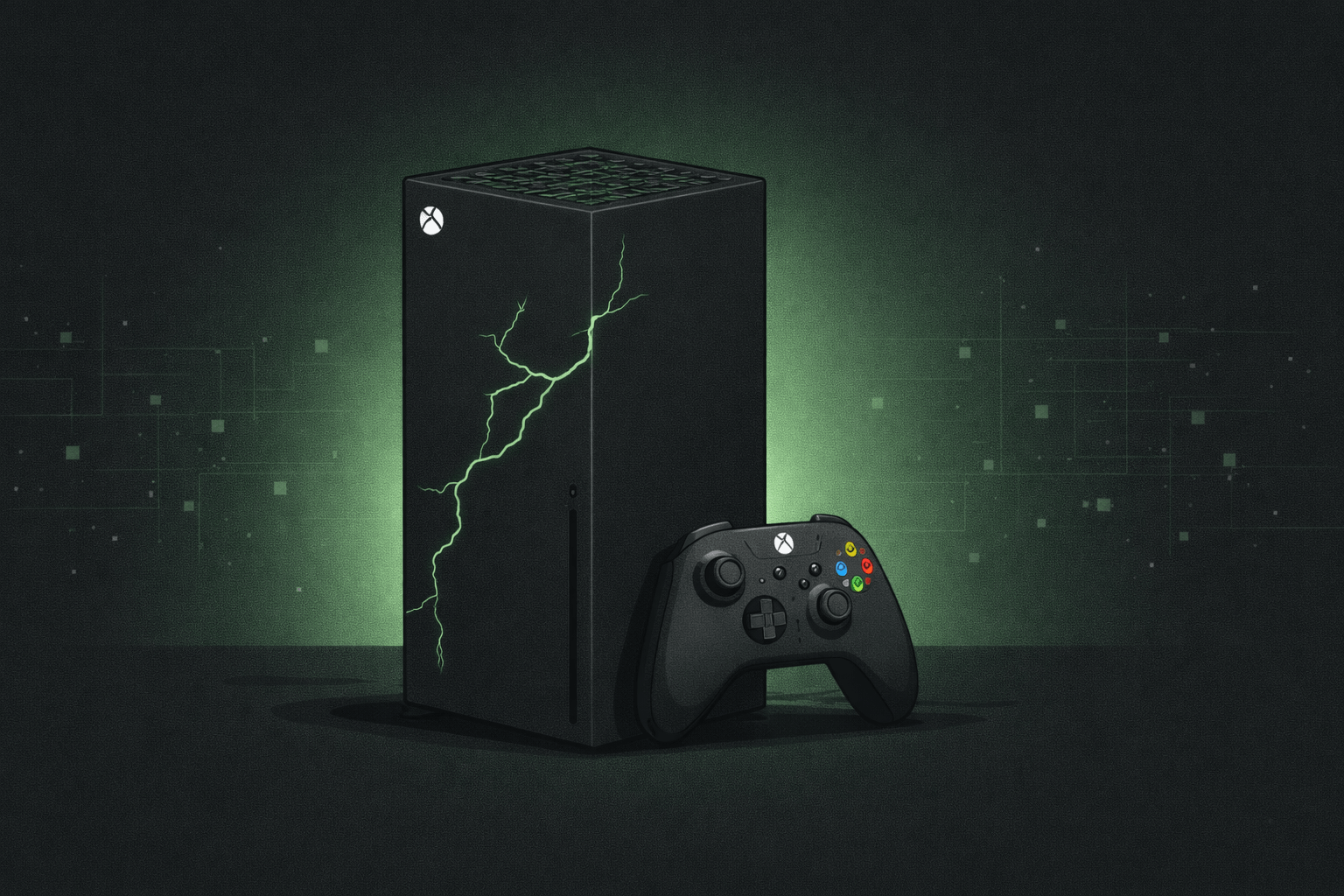
You hit the power button and nothing happens. Or it turns on and immediately shuts off. Maybe the picture's gone, or it's stuck in a boot loop. Whatever your Xbox is doing — or not doing — this guide covers the most common failure points, what you can try at home, when to bring it in, and how to read those cryptic error codes.
The Most Common Reasons an Xbox Stops Working
Most Xbox failures come down to a handful of root causes. Before assuming the worst, it helps to know what you're actually dealing with.
The Xbox One has an external power brick that fails over time — especially after power surges. The Series X and S have internal power supplies that can burn out from poor ventilation or voltage issues.
Consoles shut down to protect themselves when they get too hot. Dust buildup blocking vents, poor airflow, or a failing fan are the usual culprits. If your Xbox runs for a while then shuts off, heat is the first thing to check.
Bent or broken HDMI pins are extremely common — usually from cables being yanked or tripped over. If you have power but no picture, the HDMI port is likely the issue.
Games freezing, long load times, corrupted saves, or the console failing to boot can all point to a failing internal drive. More common on older Xbox One units that have seen heavy use.
A bad update, corrupted system files, or a failed factory reset can leave an Xbox stuck in a boot loop or error screen. Sometimes fixable at home, sometimes requires a full system recovery.
Discs not being read, grinding noises, or the drive not ejecting are signs the optical drive is failing. More relevant on disc-based models — the Series S is digital only.
Things to Try Before Bringing It In
Some Xbox issues are fixable at home without any tools. Run through these before assuming you need a repair.
- Hard reset — hold the power button for 10 seconds until the console fully shuts off, then power back on. This clears temporary software states that cause freezing or boot issues.
- Check the power brick (Xbox One) — an orange light means it's in standby or tripped a surge protector. Unplug it from the wall for 10 minutes, then plug directly into the wall — not a power strip.
- Check your HDMI cable and port — try a different HDMI cable and a different TV input. Rule out the cable before assuming the console port is damaged.
- Clear the cache — hold the power button for 10 seconds to fully power down, unplug from the wall, wait 30 seconds, plug back in. This clears the cache on most Xbox models.
- Check ventilation — make sure there's at least 6 inches of clearance around the console. Don't store it in a cabinet with no airflow.
- Factory reset — keep games and apps — Settings > System > Console Info > Reset Console. Choose "Reset and keep my games & apps" — reinstalls the OS without wiping your data.
DIY Fix or Needs a Pro?
Not every Xbox problem requires a repair shop. Here's how to read the signs.
- Stuck on green startup screen
- Freezing during games
- Controller won't connect
- Error codes on boot
- Games not launching
- Slow performance
- No picture at all (HDMI)
- Turns on then immediately off
- Grinding from disc drive
- Burnt smell or visible damage
- Boot loop that won't break
- Physical damage to ports
Xbox Error Codes — What They Actually Mean
Xbox error codes look intimidating but most of them point to a specific, fixable problem. Here are the most common ones we see.
| Error Code | What It Means | Likely Fix |
|---|---|---|
| 0x87e11838 | Game or app failed to launch — license or corruption issue | Clear local saved games, reinstall the game, or check Xbox Live status |
| 0x80073cf6 | Installation failed — storage or file system error | Free up storage space or reformat external drive if applicable |
| 0x8027025a | Can't connect to Xbox Live | Check your network, restart router, or test your NAT type |
| 0xe101012b | System update failed | Offline update via USB or factory reset required |
| 0x80072ee7 | DNS or network connection error | Change DNS settings to 8.8.8.8 / 8.8.4.4 or restart network equipment |
| 0x87dd0013 | Xbox Live sign-in failed | Server-side issue — check Xbox Live status page, usually resolves itself |
| 0x8b05000f | Disc read error | Clean the disc, try another disc — if persistent, disc drive failure |
| E100 / E101 | System update error — OS failed to install | Offline update via USB. If that fails, hardware-level recovery needed |
| E102 / E105 | Boot failure — system files corrupted | Factory reset or offline recovery. If unresponsive, bring it in |
| E200 / E204 | Hardware failure detected | This one needs a technician — internal component has failed |
Model-Specific Issues Worth Knowing
Different Xbox models have different weak points. Knowing yours helps you diagnose faster.
External power brick failure is the most common issue on original Xbox One units. The One X runs hot by design — thermal paste dries out over time causing overheating shutdowns. HDMI port damage is extremely common across all three.
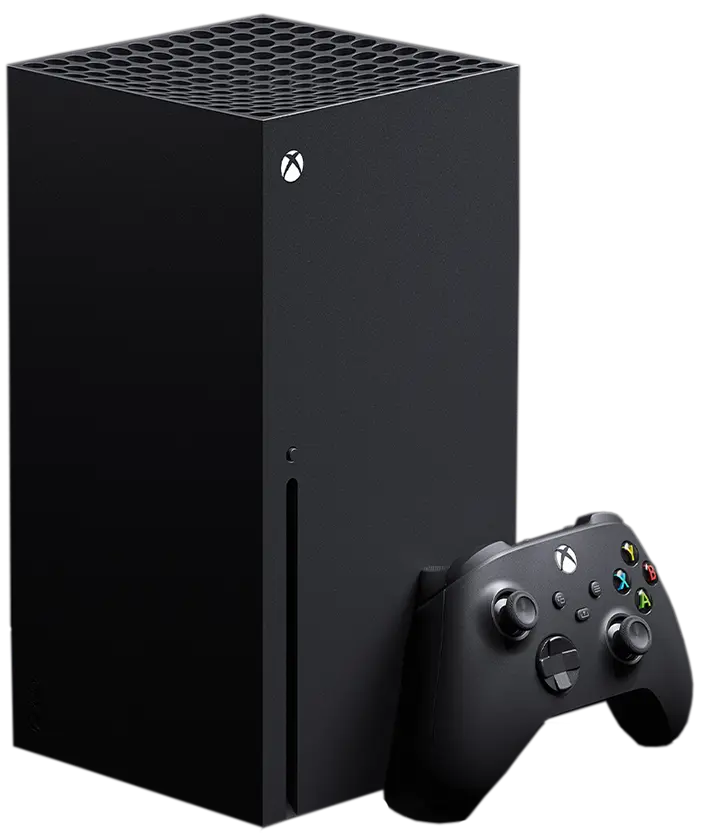
Known issues with the internal power supply failing, particularly on units manufactured in 2020-2021. Overheating from dust accumulation in the large vertical chassis is also common. The HDMI 2.1 port is more fragile than previous generations.
Smaller chassis means less airflow — the Series S runs warmer relative to its size. No disc drive means fewer mechanical failures, but the internal SSD can fail on heavily used units. HDMI port damage still applies.
How to Prevent Xbox Problems
Most Xbox failures are preventable. A little maintenance goes a long way.
- Keep it ventilated — never store your Xbox in an enclosed cabinet. It needs at least 6 inches of clearance on all sides. The Series X in particular needs room to breathe from the top.
- Use a surge protector — not a basic power strip. A proper surge protector with joule rating protects against voltage spikes that kill power supplies.
- Clean the vents regularly — use compressed air every 3-6 months to blast dust out of the vents. Dust is the number one cause of overheating failures we see.
- Avoid movement while the console is on — original Xbox One units use a spinning hard drive. Any vibration or movement while it's running risks damaging the drive heads. The Series X and Series S use SSDs from the factory so they're less prone to this, but it's still good practice to keep any console on a stable surface with no vibration.
- Keep it horizontal (Xbox One) — original Xbox One units are not designed to stand vertically without an accessory stand. Vertical placement can cause disc drive issues.
- Watch your HDMI cable routing — most consoles sit pushed against a wall, which means the HDMI cable bends right at the port. Over time that constant pressure slowly loosens the connection and damages the port from the inside. Route your cable with some slack and make sure it isn't bent sharply at the plug. Always grip the plug itself when disconnecting — never pull by the cable.
What Happens When the Repair Is More Complex
Most Xbox issues — HDMI ports, power supplies, thermal work, drives — are straightforward repairs with predictable costs. But occasionally we see something more involved, like motherboard-level damage.
Motherboard repairs aren't automatically a write-off. A lot of what gets labeled "motherboard failure" is actually a specific component — an HDMI chip, a power rail, a blown capacitor — that can be repaired without replacing the whole board. We work at that level and will always look for the most cost-effective path first.
In cases where a full board replacement makes more sense than repair, we'll walk you through your options honestly. If we have a compatible unit in stock, we can get you into something solid — cleaned up, repasted, and tested before it leaves our hands. If we need to source one, we'll let you know the timeline upfront. Either way, the goal is the same: get you back up and running without overspending.
Bring it in and we'll tell you exactly what you're dealing with before any decisions get made.
Fixoid vs Microsoft's Repair Center
If your Xbox is out of warranty, you have two main options — Microsoft's service center or a local repair shop like ours. Here's the honest comparison.
- Turnaround time — Microsoft's service center typically takes 2-4 weeks including shipping both ways. We do most repairs same day.
- Cost — Microsoft charges flat service fees that are often higher than a local repair for common issues like HDMI or power. We quote per repair.
- Data — Microsoft will factory reset your console as a matter of policy. We don't touch your data unless the repair requires it, and we'll tell you upfront if it does.
- Transparency — we diagnose it in front of you and explain what's wrong before charging anything. Microsoft's process is remote and opaque.
How We Fix It at Fixoid
Xbox repairs are some of the most common console jobs we handle across our Portland and Vancouver locations. Here's what the process looks like when you bring one in.
- Diagnosis
We test power, video output, storage, and thermal performance to identify exactly what's failing — not just the symptom but the root cause.
- Quote before we touch anything
Once we know what's wrong, we give you a price before starting any work. No surprise charges, no pressure.
- Repair
Whether it's an HDMI port replacement, thermal repaste, power supply swap, or drive replacement — we use quality parts and do it right the first time.
- Full test before handoff
We run the console through a full test cycle — boot, game load, video output, controller — before calling it done.
- Out the door
Most Xbox repairs are completed same day. Walk-ins welcome at both our Portland and Vancouver locations — no appointment needed.
Frequently Asked Questions
How much does an Xbox repair cost at Fixoid?
It depends on what's wrong. HDMI port replacements, thermal repastes, and power supply repairs are on the lower end. Drive replacements and motherboard-level work are higher. We'll give you a quote before starting anything.
Will I lose my saves and games?
For most repairs — HDMI, power, thermal — no. Your data stays untouched. If the repair involves replacing the drive or resetting the system, we'll tell you in advance. Games tied to your Xbox account are re-downloadable regardless.
How long does an Xbox repair take?
Most repairs are same day. If we need to order a specific part, we'll give you a realistic timeline upfront. Walk-ins welcome — no appointment needed at our Portland or Vancouver locations.
My Xbox turns on but has no picture — what's wrong?
Most likely the HDMI port. Try a different cable and TV first to rule those out. If the port itself is damaged — bent pins, broken connector — that's a repair we do regularly and it's usually a quick fix.
My Xbox turns on then immediately shuts off — is it dead?
Probably not. This is almost always a power or thermal issue. The console is shutting itself down to prevent damage. Bring it in — it's usually fixable.
Do you repair Xbox controllers too?
Yes — stick drift, broken bumpers, charging port issues, unresponsive buttons. Controller repairs are quick and affordable. Bring it in with the console or on its own.
I got an error code I don't recognize — what do I do?
Check the error code table above first. If it's not listed or the suggested fix didn't work, message us with the code and we'll tell you what it means and what it'll take to fix it.
Where are you located?
We have locations in Portland, OR and Vancouver, WA. Walk-ins are welcome at both — no appointment needed.


